21
Copyright 2006 – Enseo, Inc.
9
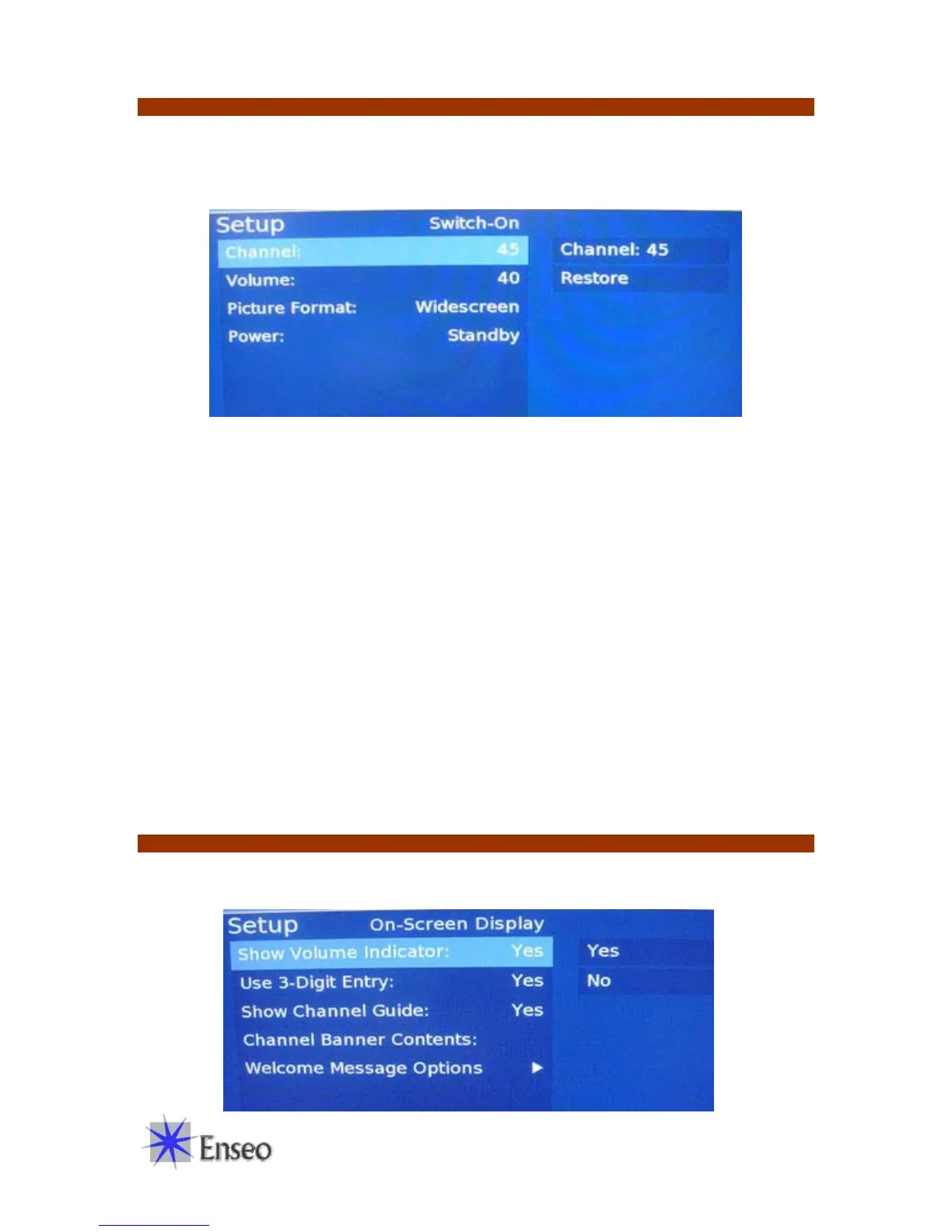
Switch-On Options
This menu provides options for setting up default settings for when the display first turns on.
These settings are particularly useful in a lodging environment to be sure the display starts on the
barker channel and at a pre-defined volume setting.
Channel
Enter the channel that you would like the EBS-SP35 to tune to when it turns on. Use
Restore to cancel the change
Volume
Set the numeric value from 0 to 99 that you would like to be used as the default volume
level for the display.
Picture Format
Select between different formats for the screen and content presented. Options include:
Native
This setting will show the aspect ratio of the source material. 4:3 NSTC images
will be shown with side bars
Widescreen
This setting will fill the screen with the image by stretching the image (if
necessary) to create a 16:9 image.
Power
This setting is for specialized applications and not generally used.
On-Screen Display Options
The On-Screen Display Options settings provide for customization and set up of OSD options.


 To Next Page