EasyManua.ls Logo

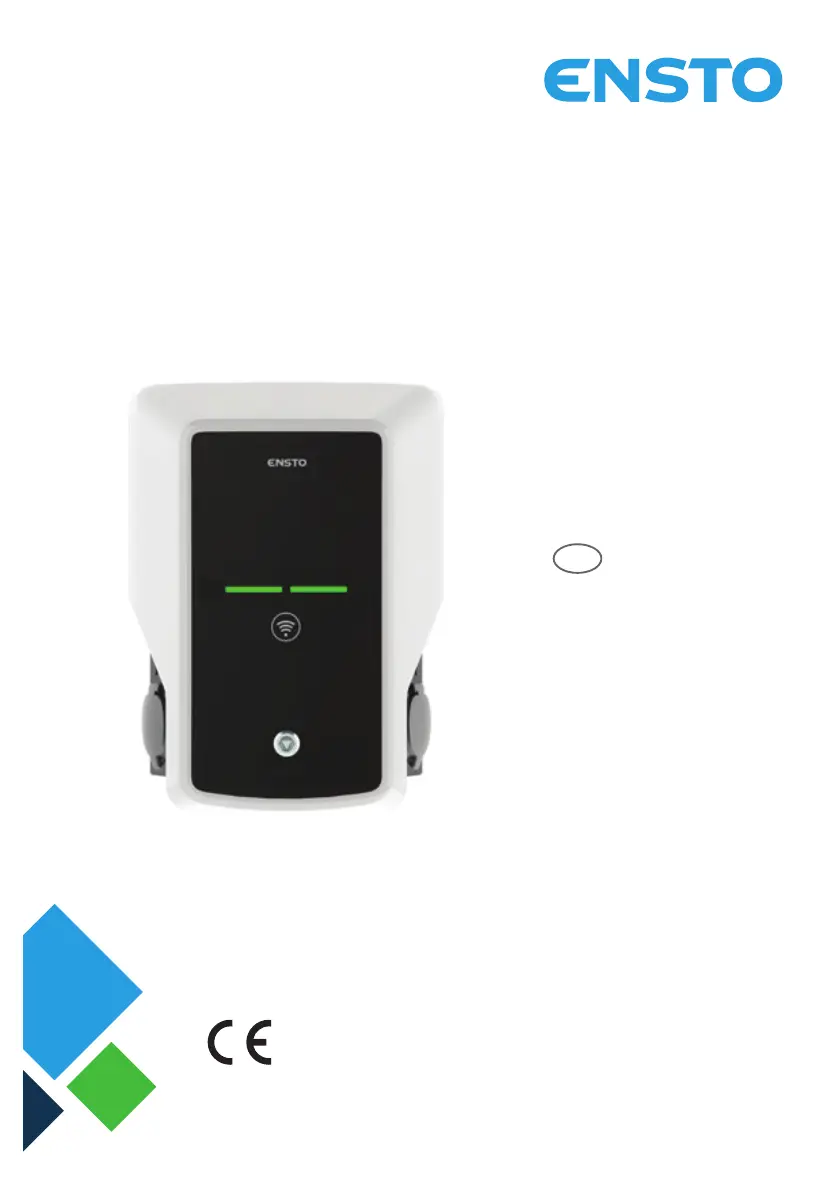
ensto EVB100 - User Manual

ensto EVB100
36 pages
Print Icon
To Next Page IconTo Next Page
Loading...
ENG
Ensto Wallbox
RAK111_ENG
20.12.2019
© Ensto 2019
Installation Instructions
Operation Instructions

Questions and Answers

  • J
    Juan WallaceAug 10, 2025
    What to do if charging cable is locked in Mode 3 socket outlet in ensto EVB100?
    • D
      Dr. Amy York DVMAug 10, 2025
      If the charging cable is locked in the Mode 3 socket outlet of your ensto Battery Charger, it could be due to an unexpected fault while the power is on, or simply because the power is off. Here's what you can do: * **If power is on:** If your charger has Mode 3 lock release, turn off the power from F0 and pull the charging cable out. Alternatively, turn off the power and manually switch the Mode 3 lock to the open position. * **If power is off:** Open the front cover and switch the Mode 3 lock to the open position. Note that if your charger has a Mode 3 Lock Release function, the lock should open automatically during a power cut.
  • K
    Kathleen DurhamAug 25, 2025
    Why is my ensto EVB100 Battery Charger off and no lights are on?
    • L
      Leah HansonAug 25, 2025
      If your ensto Battery Charger is off and there are no lights on, it could be due to several reasons: 1. **No Mains Voltage:** Ensure that there is a proper power supply to the L1 connector. 2. **Circuit Breaker Off:** Check if the circuit breaker F0 is off and turn it on. 3. **12V Power Unit Issue:** Verify that the 12V power unit has an LED on. If not, ensure a 230V power supply to the unit, and if it's still not working, replace the power unit. 4. **Controller Issue:** Check if the controller has a PWR LED on. If not, ensure power supply to the controller; if it's still not working, replace the controller.

ensto EVB100 Specifications

General IconGeneral
Brandensto
ModelEVB100
CategoryBattery Charger
LanguageEnglish

Related product manuals