EasyManua.ls Logo

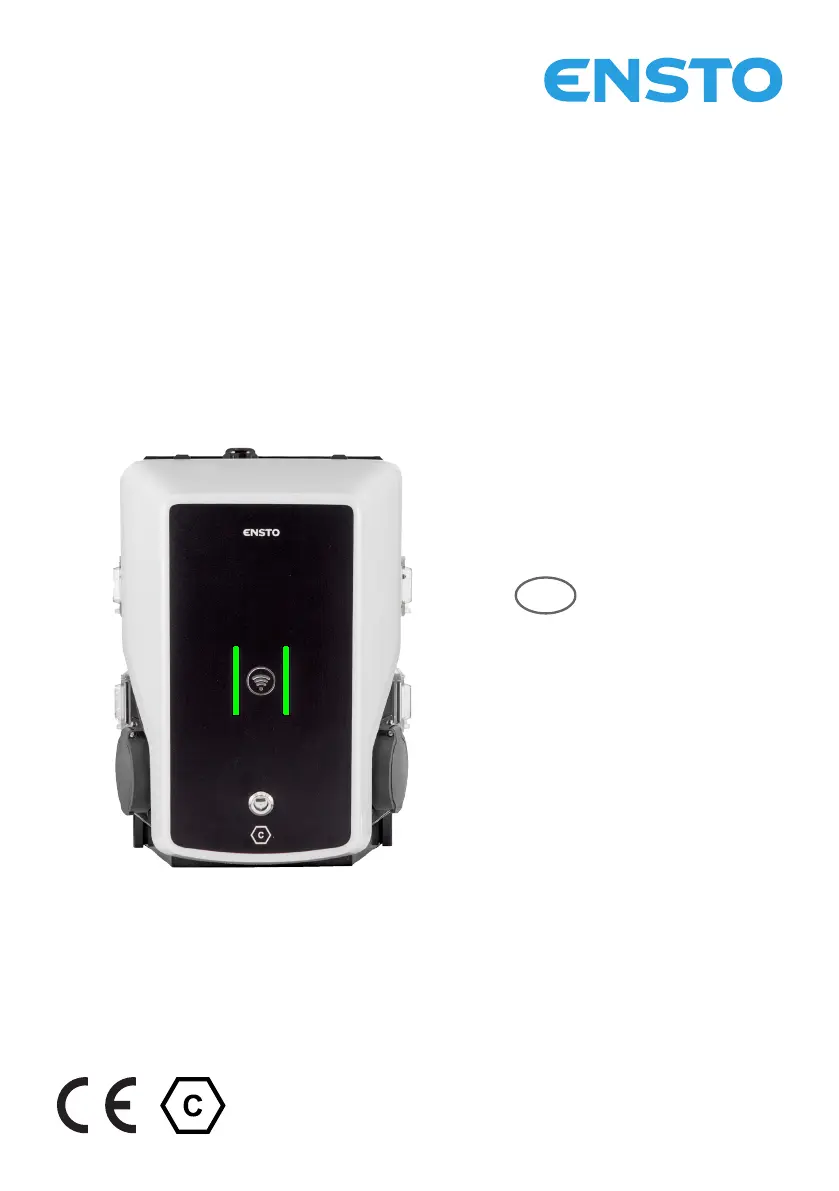
ensto EVB200EB-B4BC - User Manual

ensto EVB200EB-B4BC
36 pages
Print Icon
To Next Page IconTo Next Page
Loading...
EVB200EB-B4BC
RAK139_EN
2023-09-14
© 2023 Ensto Building Systems
EN
Installation Instructions
User Guide

Questions and Answers

  • J
    John FowlerAug 9, 2025
    What to do if the ensto Battery Charger cable is locked?
    • W
      Wendy AlvarezAug 10, 2025
      If the charging cable is locked in the Mode 3 socket outlet due to an unexpected fault while the power is on, turn off the power from the F0 and then pull the charging cable out of the socket. If the power is off, open the front cover and switch the Mode 3 lock to the open position.
  • J
    Jimmy SmithAug 25, 2025
    Why is my ensto Battery Charger off?
    • M
      Mary HernandezAug 26, 2025
      If the ensto Battery Charger is off and no lights are on, it could be due to several reasons. First, ensure that the supply conductors are properly connected and that power is available to the supply connectors (L1, L2, L3). Second, check if the circuit breaker F0 is off and turn it on if necessary. Finally, verify that the PWR LED indicator on the controller is on, ensuring that power supply to the controller is available.

ensto EVB200EB-B4BC Specifications

General IconGeneral
Product TypeEV Charger
Rated Current32 A
Charging Power7.4 kW
Connector TypeType 2
Operating Temperature-30°C to +50°C
Mounting TypeWall-mounted
Output Current32 A
Power7.4 kW
Efficiency>95%
CoolingNatural convection
ProtectionOvercurrent, Overvoltage
Enclosure RatingIP54

Related product manuals