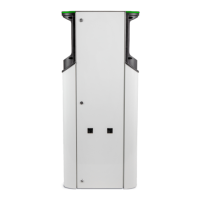
RAK139_ENG / 2023-09-14
33 / 36
19. User interfaces
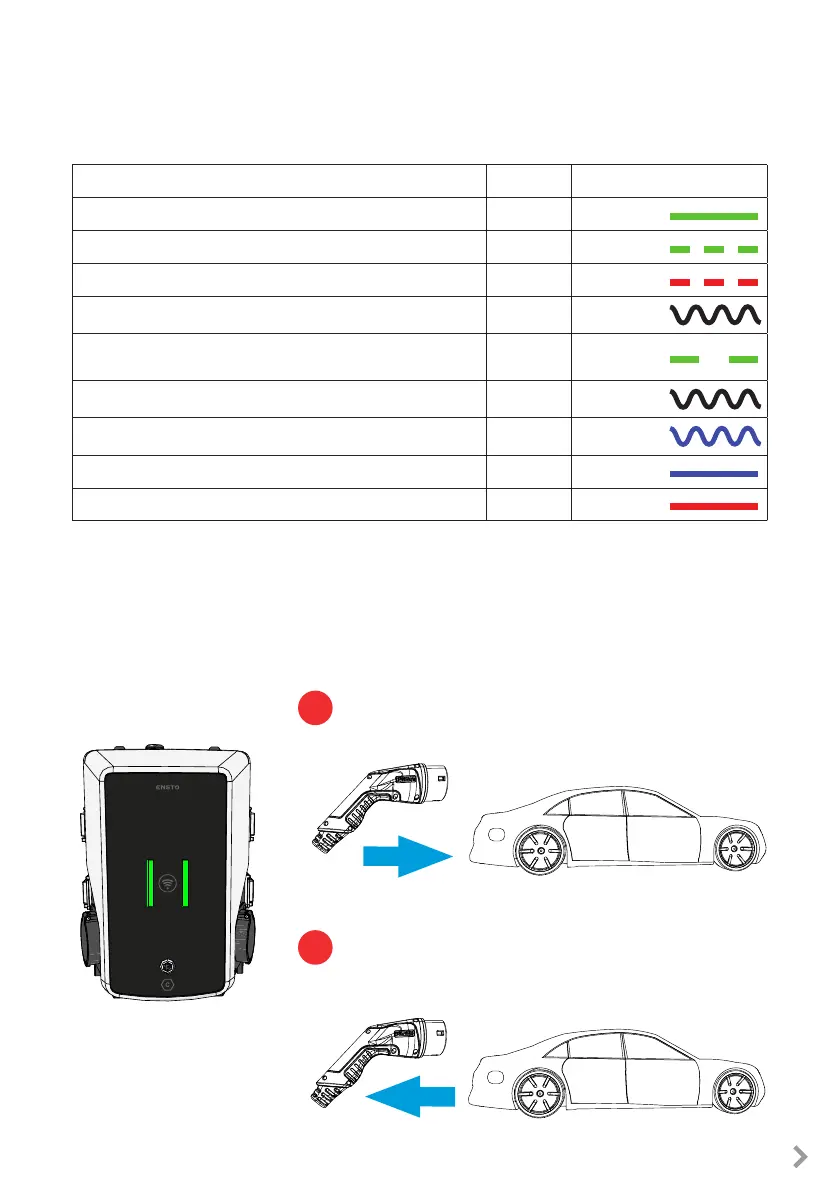
LED indicator lights will show the status of the charging point as described below:
Charging point’s status
LED light LED operation
The charging point is free and ready to use
Green Stable
User identication
Green Flashing
User authorization is rejected / Charging is not allowed
Red Flashing
User authorization is / Charging is allowed
Green Waving
While you connect the charging cable
Green
Flashing
twice
Your vehicle is connected, charging has not started
Green Waving
Your vehicle is connected, charging starts
Blue Waving
Charging is ongoing
Blue Stable
Error state
Red Stable
20. Charging
20.1. Free charging
User Guide
Start charging
When the charging point is free and the LED indicator shows green, you
can start a charging event.
Plug the charging cable to your electric vehicle.
Plug the charging cable to the charging point.
The LED indicator turns to stable blue.
Stop charging
Unplug the charging cable from the charging point.
Unplug the charging cable from your electric vehicle.
After you have unplugged the charging point is free for the
next user.
1
2


 To Next Page