RAK139_ENG / 2023-09-14
9 / 36
6.2. Cable entries
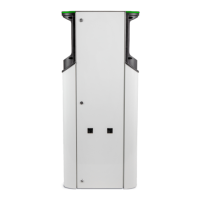
• Take the cable routing into consideration when planning the installation. The supply cable can be
routed into the enclosure from the top or bottom. Default cable routing is from the top.
• An M32 cable gland for the supply cable and an M16 for a possible data cable are pre-assembled on
the top of the extension box.
When the supply is from the bottom
When you mount the charging station on
a mounting pole, attach the cable glands
to the inside of the extension box.
When you mount the charging station to wall,
attach the cable glands to the outside of the
extension box.
3b
Remove the front plate.
Move the cable glands to the bottom and
respective cover plugs to the top.
1
2
3a


 To Next Page