EasyManua.ls Logo

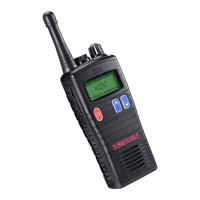
Entel HT544 - User Manual

Entel HT544
29 pages
Print Icon
To Next Page IconTo Next Page
Loading...
Ex ib IIA T4 Gb
Intrinsically Safe
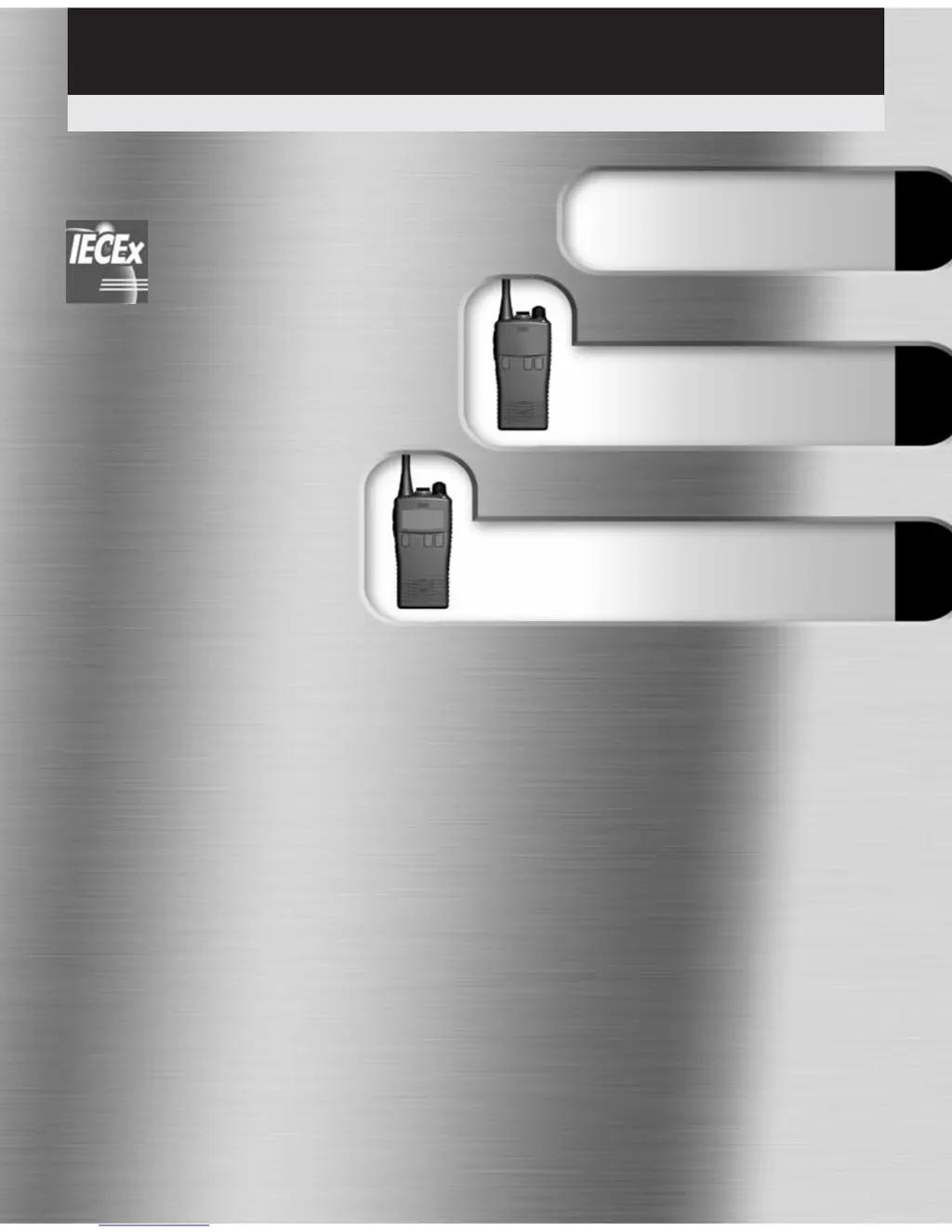
HT5xx Marine User Guide
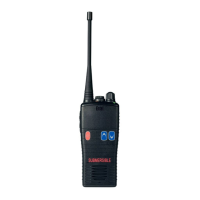
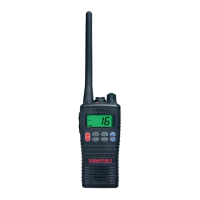
Professional intrinsically safe submersible marine handheld transceivers
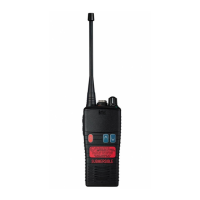
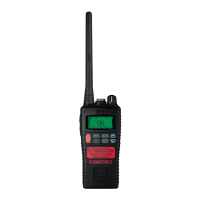
HT542
Entry
Common Information
(all models)
HT544
LCD
v08/11

Other manuals for Entel HT544

Questions and Answers

  • J
    James PriceAug 1, 2025
    Why is my Entel Transceiver transmitting without pressing the PTT button?
    • K
      Kevin ColeAug 1, 2025
      If your Entel Transceiver transmits without pressing the PTT button, it's likely that VOX has been enabled. To disable it, hold the MEM button for 2 seconds, then use the UP or DOWN button to select “off”.
  • J
    Joshua GayAug 6, 2025
    How to fix Entel HT544 Transceiver not switching on?
    • R
      Robin CurtisAug 6, 2025
      If your Entel Transceiver is not switching on, the battery may need charging or be completely exhausted. Try charging the battery pack or replacing it with a fully charged one.
  • H
    herrerajessicaAug 11, 2025
    What to do if Entel HT544 won't transmit or select high power?
    • B
      Bryan GeorgeAug 11, 2025
      If your Entel Transceiver won't transmit or you cannot select high power, it could be due to a couple of reasons. Some channels might be low power only, or the battery pack might be exhausted. Try switching to a high power channel or charge/replace the battery.
  • M
    manuel19Aug 16, 2025
    Why does scan key not start scan on Entel HT544 Transceiver?
    • C
      Christina PhillipsAug 16, 2025
      If the scan key on your Entel Transceiver does not start the scan, it could be due to a couple of reasons. Either no channels are memorized (MEM), or the squelch is not adjusted properly. Use the MEM key to enter the desired channels into the scan memory. Also, adjust the squelch to the threshold or to the point where the white noise just disappears.
  • A
    allisoncampbellAug 21, 2025
    How to unlock Entel HT544 Transceiver functions?
    • J
      Jodi BirdAug 21, 2025
      If you cannot change any function on your Entel Transceiver, the key lock might be switched on. Turn the key lock off to regain control.
  • C
    Christine LevineAug 27, 2025
    What to do if LED on Entel Transceiver charger does not illuminate when charging?
    • J
      judithdavisAug 27, 2025
      If the LED on the charger does not illuminate when charging your Entel Transceiver, it could be due to a defective battery or charger, or dirty terminal contacts on either the battery or charger. Clean the contacts with a dry, clean cloth or contact your dealer.

Summary

Preparing Your Radio For Use

Battery Care; Information

Battery Pack Precautions

Essential safety guidelines for handling and charging battery packs.

Optional Accessories

Battery Charging & Indicators

Details charging procedures, overcharging protection, and battery status display.

HT542 Features

HT542 Controls & Indicators

HT544 Features

Standard Features

Lists the key built-in functionalities and specifications of the HT544.

Using Your HT544

Reception

Guides on how to receive signals, adjust volume, and set squelch threshold.

Transmitting

Instructions for transmitting, including PTT usage and power selection.

Channels

Channel Operation

Functions

The Scan Function

Steps to select, store, delete, and start/stop channel scanning.

VOX (Voice Operated Transmit)

How to enable/disable VOX, set sensitivity, and its operational use.

LCD Indicators

Controls and Indicators

Troubleshooting

Troubleshooting Guide

Table listing common symptoms, probable causes, and remedies.

Channel Chart

Technical Specifications

General Specifications

Details general technical parameters like frequency range, size, and weight.

Transmitter & Receiver Specs

Lists technical parameters for both transmitter and receiver performance.

Certification

Certification Details

Entel HT544 Specifications

General IconGeneral
BrandEntel
ModelHT544
CategoryTransceiver
LanguageEnglish

Related product manuals