TNF Concept - 62 rue de Paris - 77240 Champs sur Marne - France
www.tnfconcept.com contact@tnfconcept.com
Watch out, it is possible that at this stape, if you connue to use the NMU, you have an
error message. Indeed, the Ethernet port of your computer is not any more congured on
the good IP address and the soware is not able of nding the ODE.
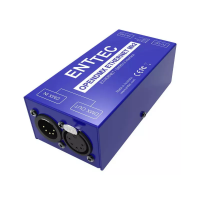
Disconnect the ODE of the Ethernet port of your computer and connect it to the WIFI
router of your installaon. Wait for a few seconds before going farther. It is possible that
it is necessary to switch o and then to switch on the ODE.
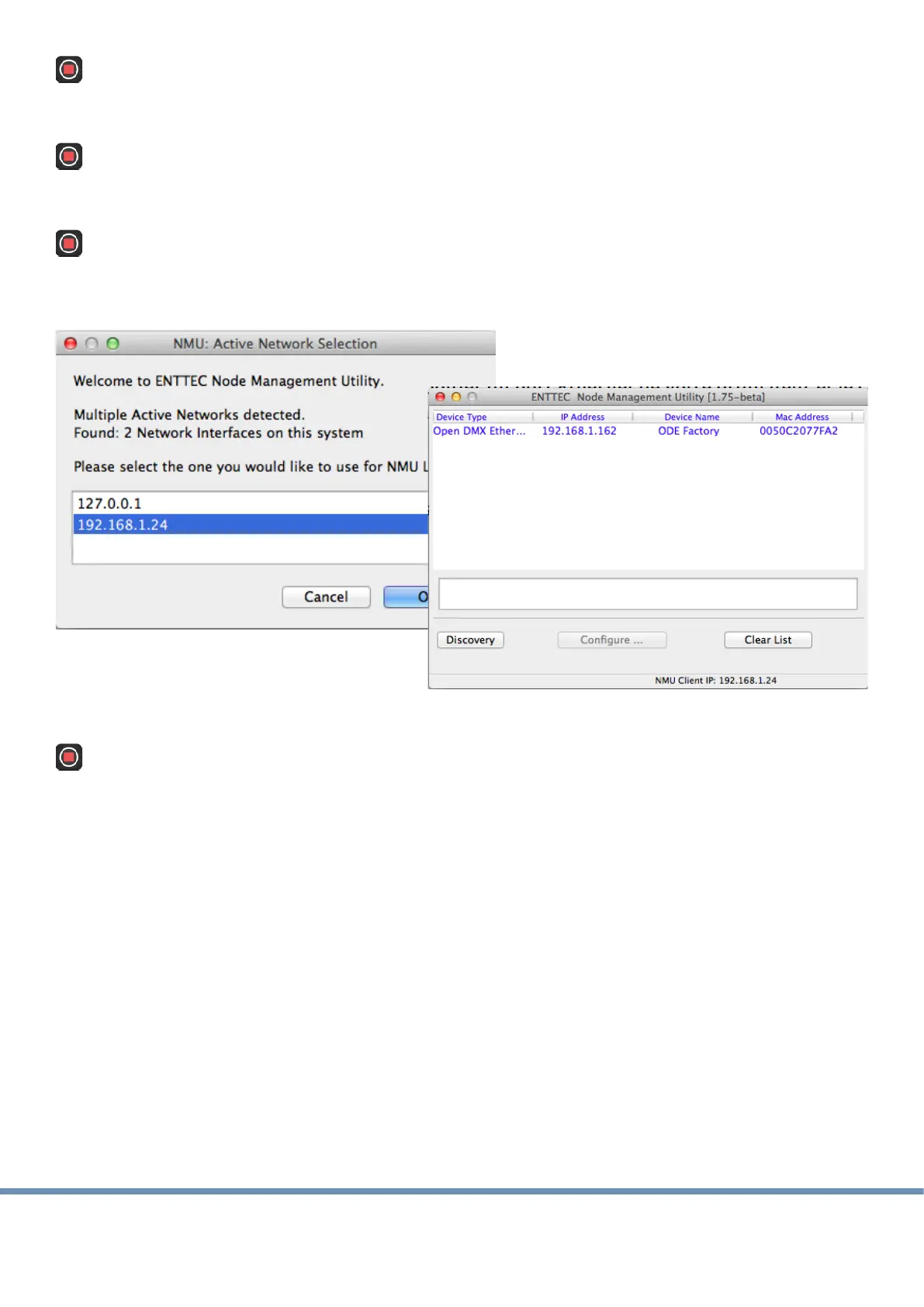
Relaunch NMU, choose the network 192.168.1 and launch a new discovery. The ODE must
be visible in the window.
Then connect the iPad on the same WIFI network and launch the Run The Show DMX
applicaon.
In the menu "parameters" choose the Art-Net mode and launch the discovery of the
available nodes. The ODE must be visible and selectable.


 To Previous Page