11 12
Step 7: Mount EnverBridge
Step 8: Prepare AC extension cable.
It is suggested to use extension cable of AWG12 above (same or higher than Envertech AC
cable standard).
1. Remove the skin of the two ends of the extension cable by y=40mm and remove the skin of
internal wires by x=14mm. Set the metal terminals onto the open parts and clamp them to
tighten the connection;
2. Connect one side of the extension cable to the junction box;
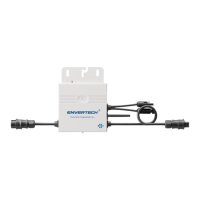
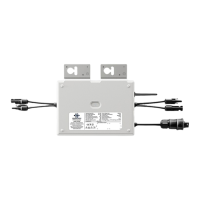
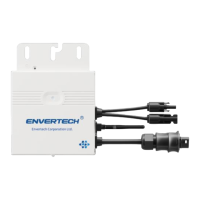
3. Connect the other side of the extension cable to the air switch.
Step 9: Connect PV modules to
microinverters
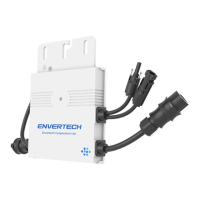
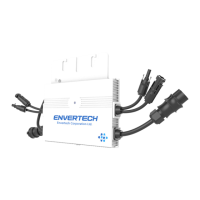
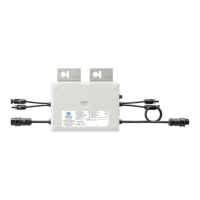
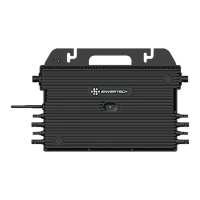
Mount the PV modules on top of
microinverters;
Connect each PV module with the DC
input cables of the microinverter.
Step 10: Switch on the PV system
Ensure all connection is completed and then turn on the air switch.
Step 11: Monitoring through EnverPortal
1. EVB202 MI Binding
1) Please visit the Download Center on our website
www.envertec.com and download Set ID exe. in your computer.
Open the software as below.
3) Please press [Set MI ID], you will see the content shown as below.
2) Please make sure your EVB202 is connected to the same router as your computer is
connected to. And use the scanner to scan or manually input the EVB202 ID and the inverter IDs
into the software as below.
Option 1: Indoor installation(I)
1. Turn off the air switch and connect
EnverBridge to the socket. This operation
should be done under the instruction of
professionals.
2. Fix EnverBridge at proper position in or close
to the distribution box;
3. Open the cover on the right side of
EnverBridge. Set RJ45 cable through the
waterproof connector and connect it to the
network input. Close the cover and recheck if
it’s completely sealed;
4. Run the RJ45 cable and connect the other
side to your router;
5. Put the EnverBridge plug into the socket.
Option 2: Indoor installation(II)
1. Open the cover on the right side of
EnverBridge. Set RJ45 cable through the
water proof connector and connect it to he
network input. Close the cover and recheck if
it’s completely sealed;
2. Run the RJ45 cable and connect it to your
router;
3. Fix EnverBridge at proper position in or
close to the distribution box;
4. Turn off the air switch and connect
EnverBridge’s power cable to the air switch.
This operation should be done under the
instruction of professionals.
1 2 3
x=14mmR
AC Extension Cable



 To Next Page