1413
Please notice the symbols.
7.1 Energize the System
1. Turn on the switch or the circuit breaker at each microinverter AC branch.
2. Turn on the main AC circuit breaker in the distribution box. Your system will start to
produce power after 3 minutes.
3. Envertech microinverters begin to communicate through the power lines to
EnverBridge. The entire system will be detected within 10 minutes.
4. The voltage and frequency of EVT300 can be adjusted on the site. If adjustments are
required by your local utility company, installers can use EnverBridge to manage grid
parameters after all microinverters have been detected.
7.2 EVT300 Operation
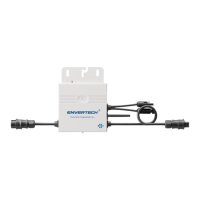
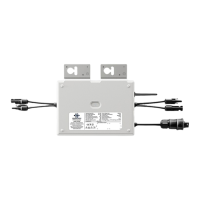
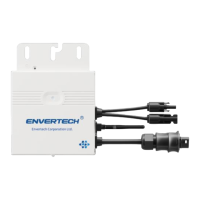
The Envertech microinverter is powered on when there is sufficient DC voltage from the
PV module. The LED light of each microinverter will blink green to indicate normal
start-up operation approximately 1 minute after DC power is applied.
4) Then you can press “Send” button in the software to complete the setting. Meanwhile, “ID Set
OK” will be also shown on the EVB202 screen. Thus the MI binding process is completed.
4. Click next and create your system. SN is your EnverBridge number which is mandatory.
You can find more information on the user manual for EnverBridge.
2. Register a new account. Click sign up.
Visit www.envertecportal.com.
3. Fill in the account information.
7. Debugging and Operating
Only qualified personnel may connect the Envertech
microinverter to the utility grid after receiving prior approval from
the electricalutility company.
!
WARNING
Ensure that all AC and DC wiring is correct. Ensure that none of
the AC and DC wires is twisted or damaged.
!
WARNING



 To Next Page