c) Click the magnifying glass icon.
Select the Wi-Fi monitor need to connect.
Enter the password, then click the OK button.
8. Prepare AC extension cable
1) Remove the skin of the two ends of the extension cable by y=40mm and
remove the skin of internal wires by x=14mm. Set the metal terminals onto
the open parts and clamp them to tighten the connection;
2) Connect one side of the extension cable to the junction box;
3) Connect the other side of the extension cable to the air switch.
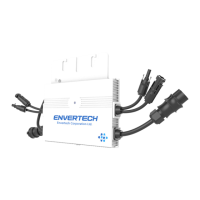
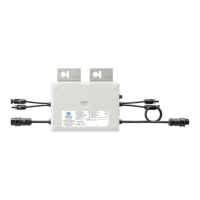
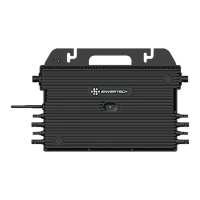
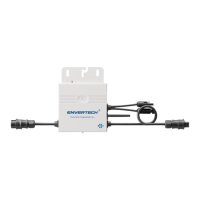
9. Connect PV modules to microinverters
Mount the PV modules on top of microinverters;
Connect each PV module with the DC input cables of the microinverter.
10. Switch on the PV system
Ensure all connection is completed and then turn on the air switch.
11. Monitoring through EnverPortal
1) Register a new account. Visit www.envertecportal.com.Click Sign Up. Fill in
the account information to finish registration.
2) Add MI
Option 1. Use EnverView app to bind MI(In the account)
Step 1: Login your account on your mobile phone. Then go to“Settings”.
Step 2: Under “Device Management”, click “Add” and enter MI SN manually or click the QR
code icon on the right to scan the MI SN automatically.
Step 3: Click “Confirm” to finish adding the MI.
Note:
a. Please ensure that both EVB300 and your phone are in same router network.
b. There is one serial number in EVT300 or EVT360, please make sure both serial
numbers are added.
Option 2. Use EnverView app to bind MI (Local model)
Note: Please ensure that both EVB300 and your phone are in same router network.
Step 1: Launch EnverView app, enter Local Mode. Connect your EVB300.
Step 2: On EVB Overview page, enter Settings. Click Add MI you could choose enter MI
SN manually or click the grid icon to scan the MI SN automatically.


 To Next Page