AFTER INSTALLATION THE END USER SHOULD
KEEP THIS GUIDE FOR FUTURE REFERENCE
DO NOT
THROW AWAY
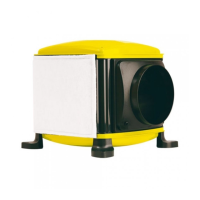
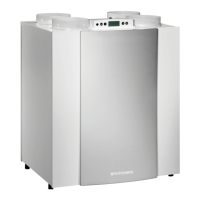
Damp Pro 13
SETTINGS
Top button
-Press to show the current air flow rate setting.
-The corresponding LED will illuminate on the keypad.
-Further presses scroll through the air flow rate settings 1, 2, 3 and
4 on a loop.
-Adjust this according to the size, type and occupancy of the property.
Bottom button
-Press to show the total running time.
-The numeric display will illuminate to show the total amount of time
the unit has been running. e.g. ‘1234’ (hours)
Wired comfort heater enable/disable
A switch to enable/disable the heater function can be connected up
to 3 metres away from the unit. This must be a volt free contact.
Do not wire the cable or switch into the Mains. When the switch is
pressed on, the comfort heater function is enabled and the system
will maintain the incoming air temperature at 10 °C. When the switch
is pressed off, the automatic comfort heater function is disabled.


 To Next Page
 Loading...