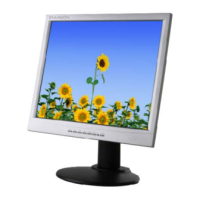
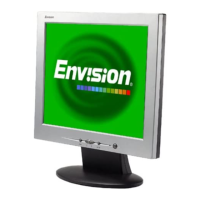
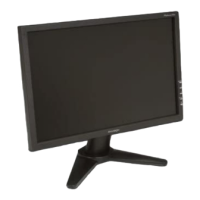
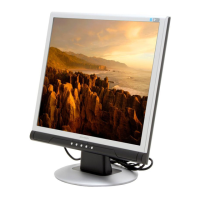
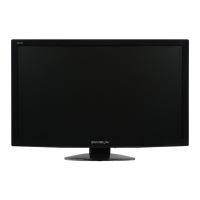
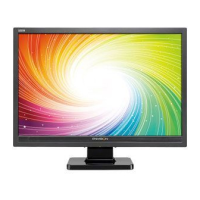
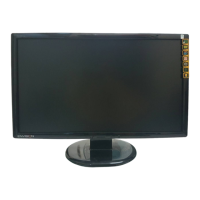
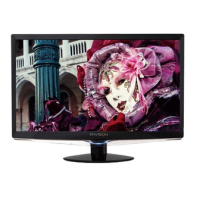
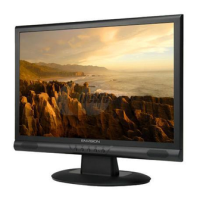
FRONT PANEL CONTROL (see figure 3)
NT PANEL CONTROL
• Power ON/OFF Switch: Press this key to switch the display ON or OFF.
• Power Indicator :
Green — Power On mode.
Orange — Off mode.
• MENU : Press this key to either bring up the OSD menu or select an item on the
menu.
• Contrast: With the OSD menu on, press this key to either select a function or to
adjust up the value of a selected function. With the OSD menu off, press this key to
adjust the contrast.
• Brightness: With the OSD menu, press this key to either select a function or adjust
down the value of a selected function. With the OSD menu off, press this key to
adjust the brightness.
• EXIT: Exit a certain function or exit OSD setup.


 To Next Page