Need help?
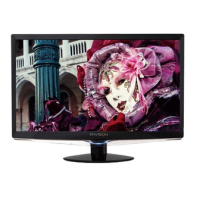
Do you have a question about the Envision G2219 and is the answer not in the manual?
Details compliance with FCC rules for digital devices and potential interference.
Warns against exposing the monitor to rain, moisture, or opening the cabinet.
Lists precautions for water, stability, ventilation, power, electrical hazards, and servicing.
Details on connecting signal cables (VGA/DVI) and power cords.
Describes the function of each front panel button and the OSD lock feature.
Details on adjusting Luminance, Contrast, Eco modes, Gamma, and DCR.
Provides answers to frequently asked questions about monitor issues.
 General
| Screen Size | 22 inches |
|---|---|
| Resolution | 1680 x 1050 |
| Panel Type | TN |
| Refresh Rate | 60 Hz |
| Response Time | 5 ms |
| Brightness | 300 cd/m² |
| Contrast Ratio | 1000:1 |
| Connectivity | VGA, DVI |
| Aspect Ratio | 16:10 |
| Weight | 5.2 kg |
| Viewing Angle | 170° horizontal / 160° vertical |

 To Next Page