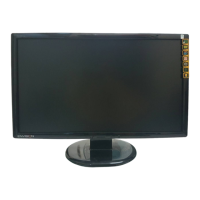
Using On Screen Display (OSD) Functions
Display main menu. 1
Exit from OSD menu.
Auto adjust the image when not in main menu. 2
Confirm the selection.
Select the desired item when in OSD menu. V or W
When not in OSD menu, it is to immediately activate Contrast/
Brightness. It should be change to Contrast/ Brightness by pressing
button
2.
▼ + ▲ Recall both of Contrast and Brightness.
1 + ▼ Power Lock (when not in OSD menu)
1 + ▲ OSD Lock (when not in OSD menu )
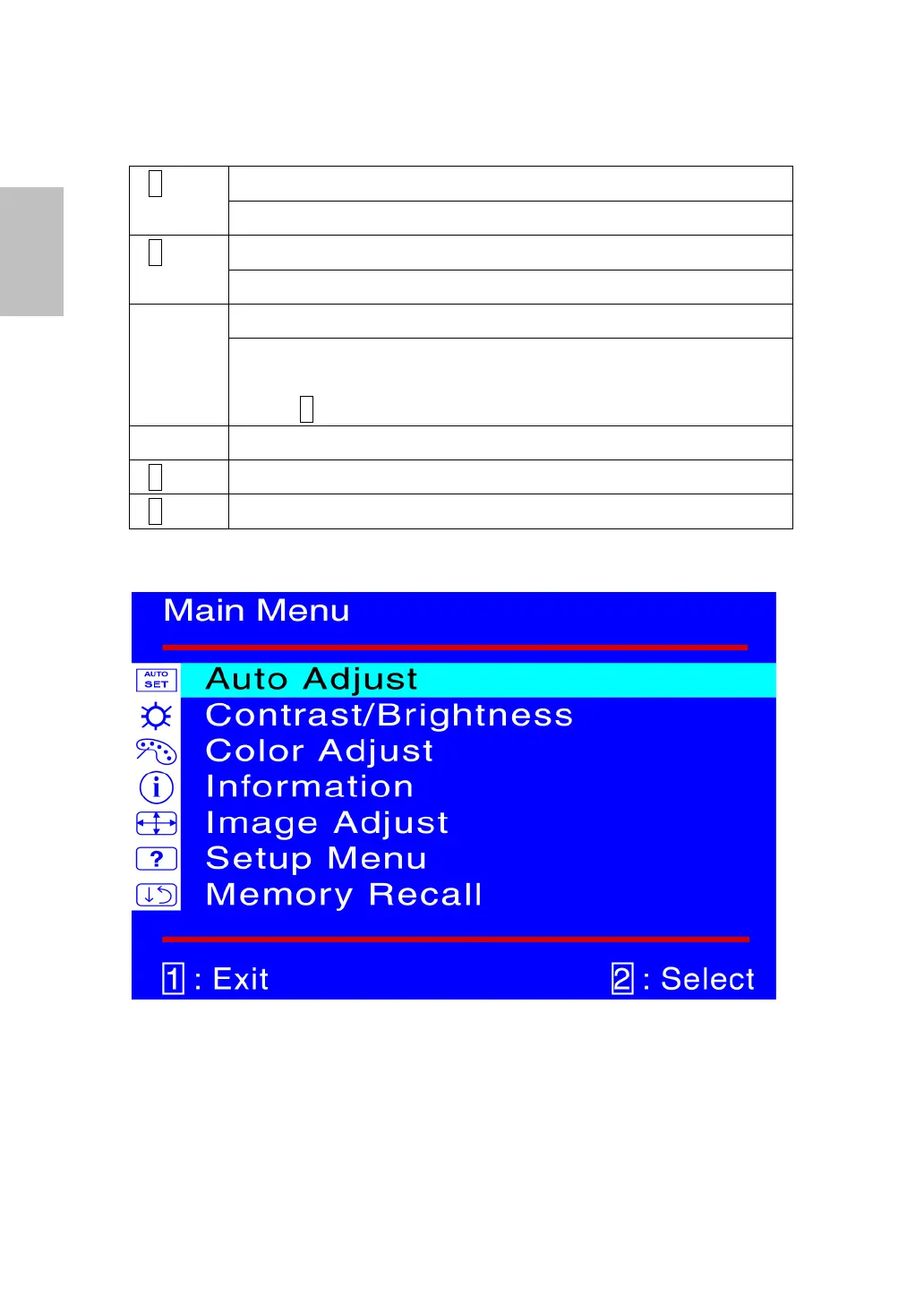
Main Menu
4
English


 To Next Page
 Loading...