3.10
EO Genius & EO Hub Installation Guide
© EO Charging 2021 21
3.0
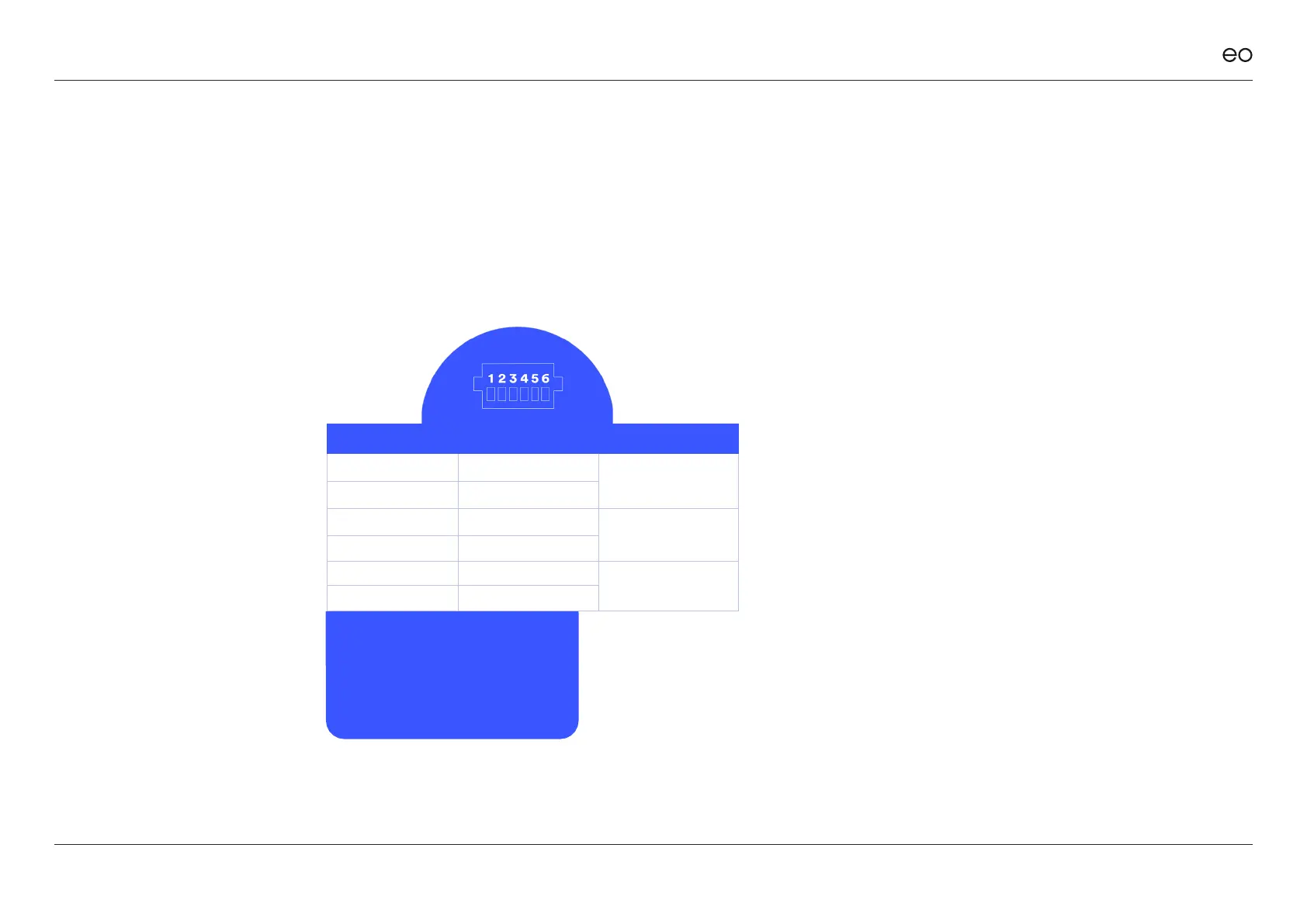
EO HUB PIN CT CONNECTION CT FUNCTION
Left hand terminal L1 - White
Phase 1
CT1 (Left) L1 - Black
CT2 L2 - White
Phase 2
CT2 L2 - Black
CT3 L3 - White
Phase 3
Right hand terminal L3 - Black
Please pay close attention to the EO
Hub Pin numbers.
The CT clamps need to be tted in the
correct orientation – follow this table
and orientation on the CT Clamps.
CT clamps.
CT clamps are only needed if
automatic load management
(ALM) is used.
Note: The CT clamps need
to be tted in the correct
orientation. The Arrow which
states “Source” needs to be
pointing towards the source
of the supply. For example,
the arrow of the CT clamp for
the ALM would be pointing
upstream to the utility meter.
Figure 12



 To Next Page