EO Genius & EO Hub Installation Guide
© EO Charging 2021 26
3.0
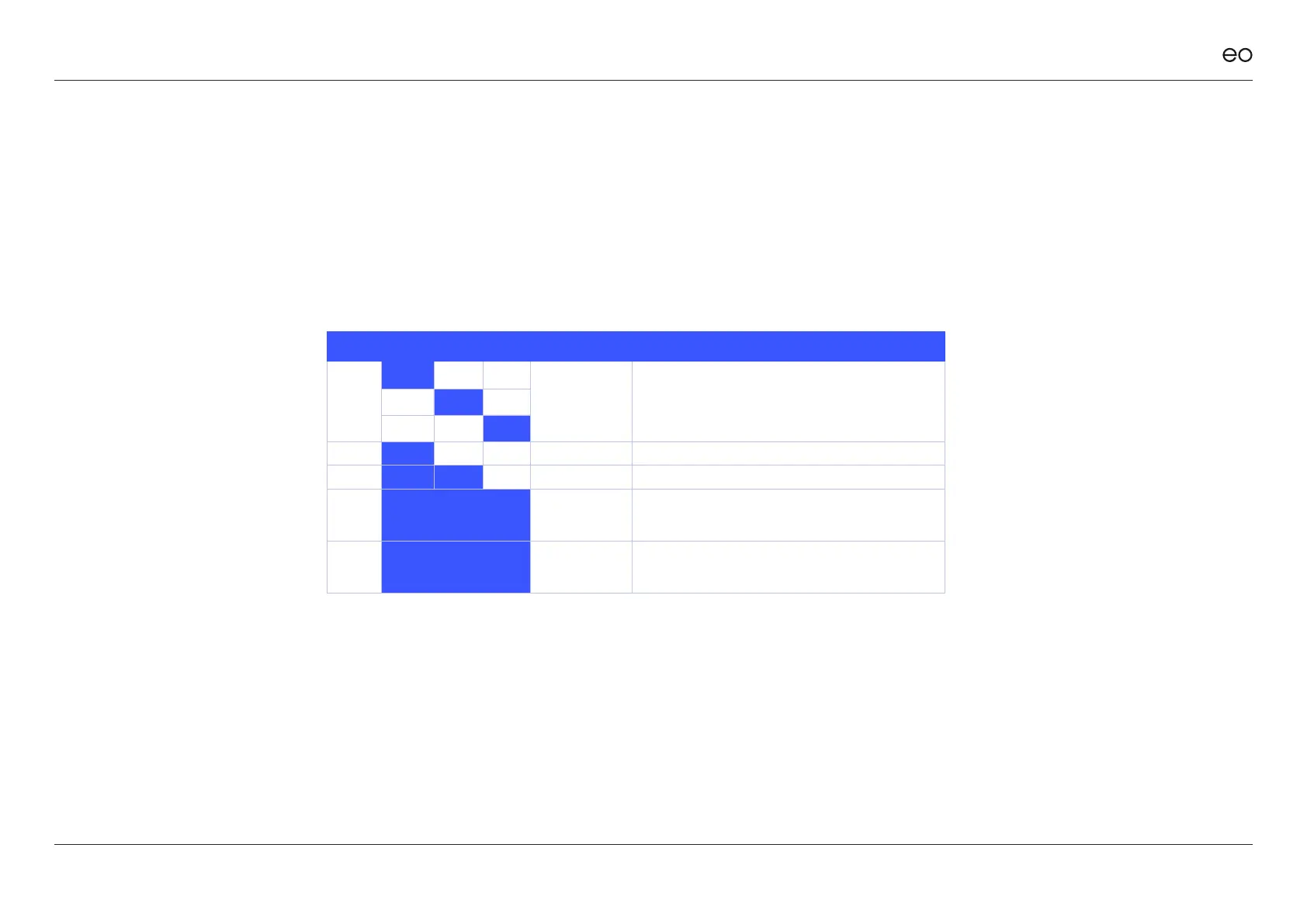
STAGE LED 1 LED 2 LED 3 REPEATS DESCRIPTION
1 6 times Secondary start up.
2 Solid Internet connection test.
3 Solid Conguring EO Hub (Can take up to 60 seconds).
4
LED 1+2 = S
LED 3 = BR
The EO Hub is communicating with the EO Genius
charging stations. This is the normal operational
state.
5 LED 1+2+3 = S
The EO Hub is connected to the EO Cloud but no
charging stations have been allocated to the EO Hub.
* S = Solid, BR = Blinks Rapidly
Figure 15: Normal Operation
EO Hub LEDs.



 To Next Page