EO Mini Pro 2 User Manual
© EO Charging 2020
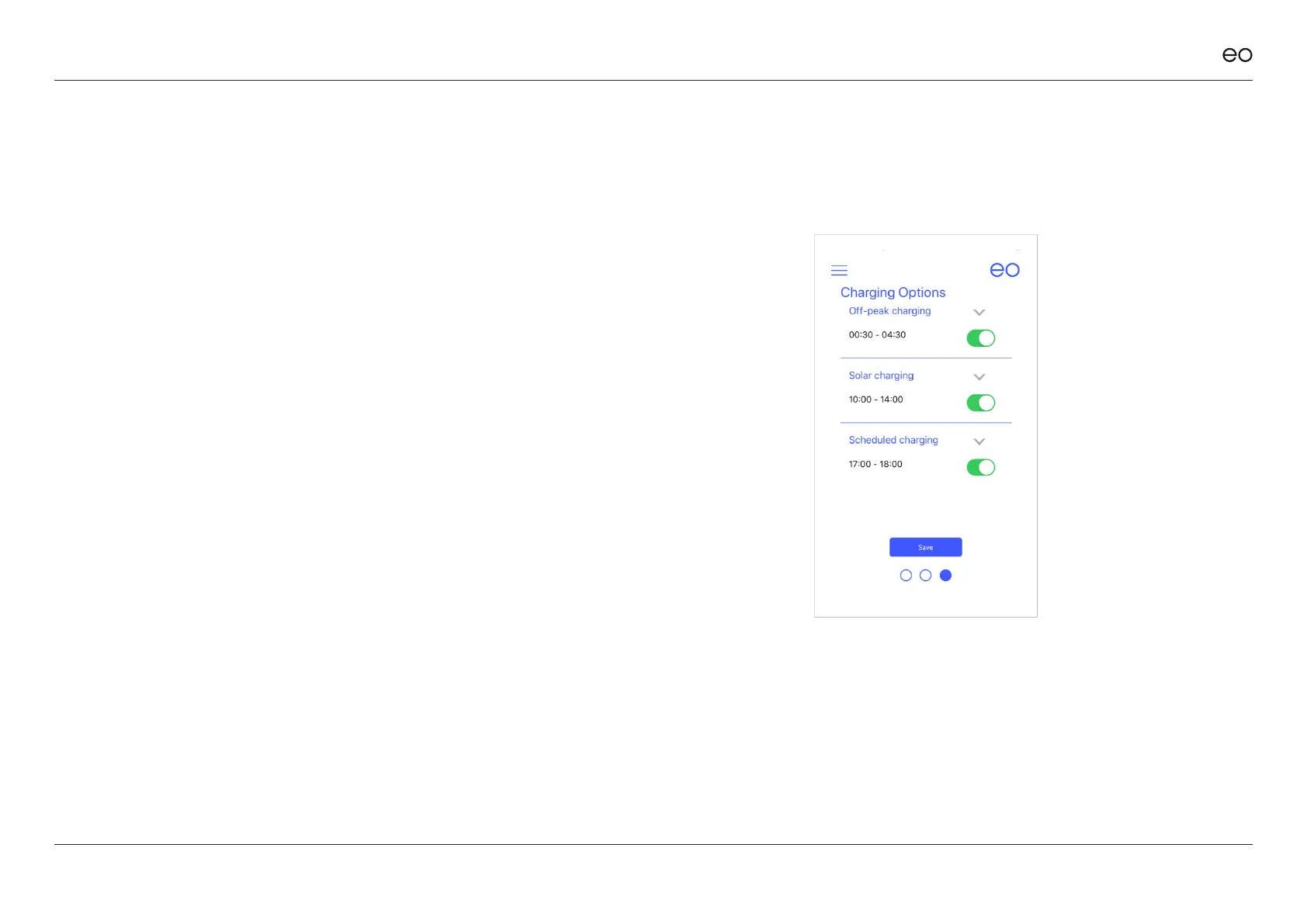
By swiping left from the main screen, the charging options are shown. This
screen allows the user to dene the charging windows when they want the
vehicle to charge. There are three options:
1. O Peak
2. Solar
3. Scheduled
These options would allow a user to congure a wide variety of charging
schedules but one such scenario might be as follows:
+ Solar charging between 10:00 and 14:00 – charge using solar.
+ O peak charging from 00:00 to 04:30 – charge at full rate when electricity
is cheap.
+ Scheduled session from 17:00 to 18:00 – put a small amount of charge in
when the EV driver comes back from work – this would ensure that the
vehicle has some charge in case they need to pop to the shops to get
some milk.
10



 To Next Page