Introduction
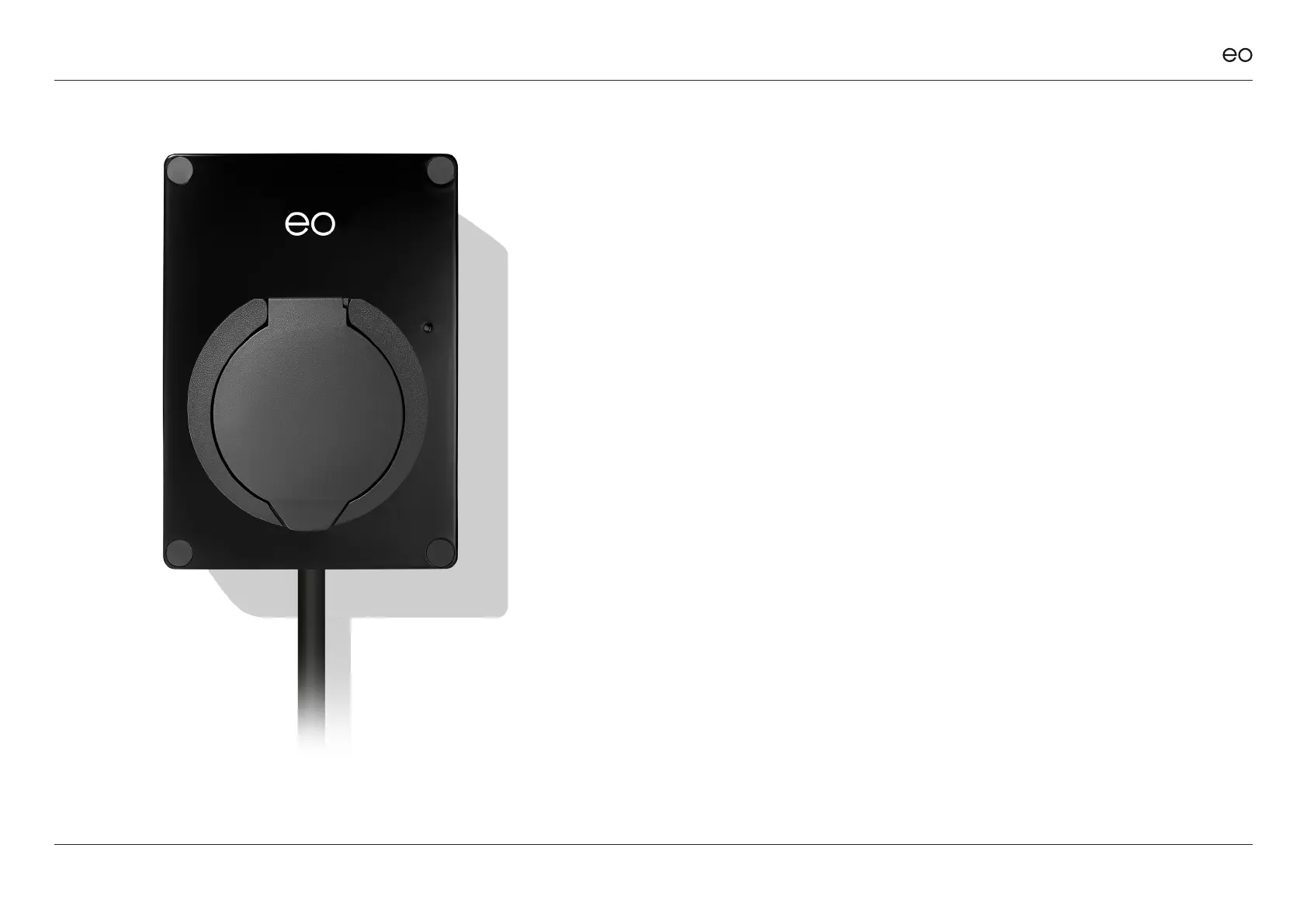
This document details the user instructions for the EO Mini Pro 2
solution. It details how to use both the charging station as well as
the key features of the associated EO Smart Home app.
NOTE It is assumed that:
+ The user has the EO Smart Home app installed on a
smartphone.
+ The EO Mini Pro 2 has been joined to the user’s Wi-Fi
network as per the EO Mini Pro 2 Installation Manual.
Check this with your installer.
There are four main screens associated with the
EO Smart Home app
1. Main Screen
2. Charging Options
3. Session Details
4. Menu options
© EO Charging 2020
EO Mini Pro 2 User Manual
2



 To Next Page