EO Mini Pro 2 User Manual
© EO Charging 2020 15
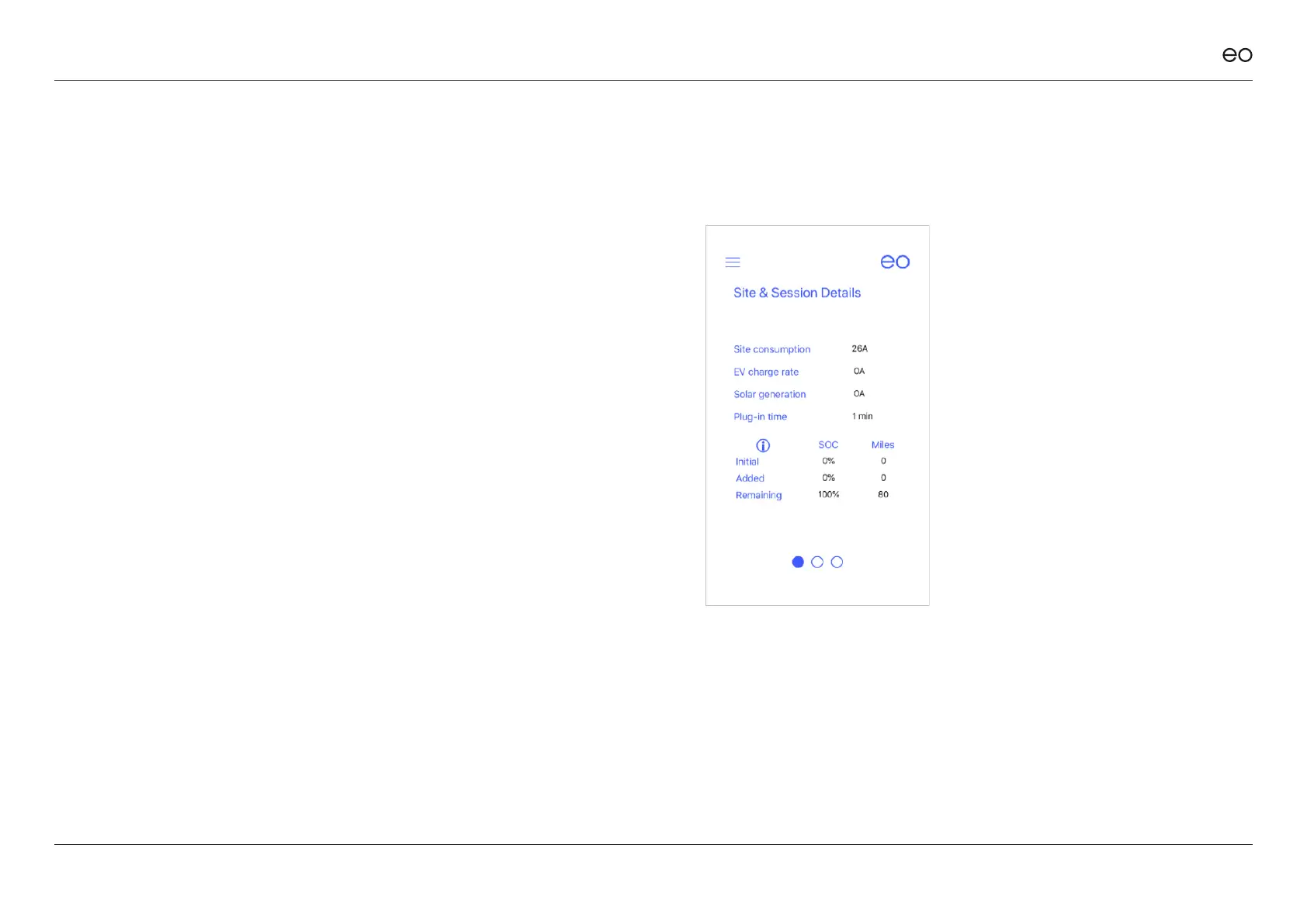
This screen is designed to present detailed
information about the charging sessions to the
end user. It is designed to help the end user
make informed decisions about when to charge.
For example, the end user could look at this
screen, see that the solar is generating 10A and
then decides to plug in the vehicle to charge on
solar mode. The screen shows:
+ At all times
- The reported values from the CT Clamps
for the house, vehicle and solar output
+ When a vehicle is plugged in
- The Initial state of charge entered by the
owner
- Amount of energy already added to the
vehicle - % & Mileage
- Remaining – amount of battery left to
charge - % & Mileage
5.0
Session Details.



 To Next Page