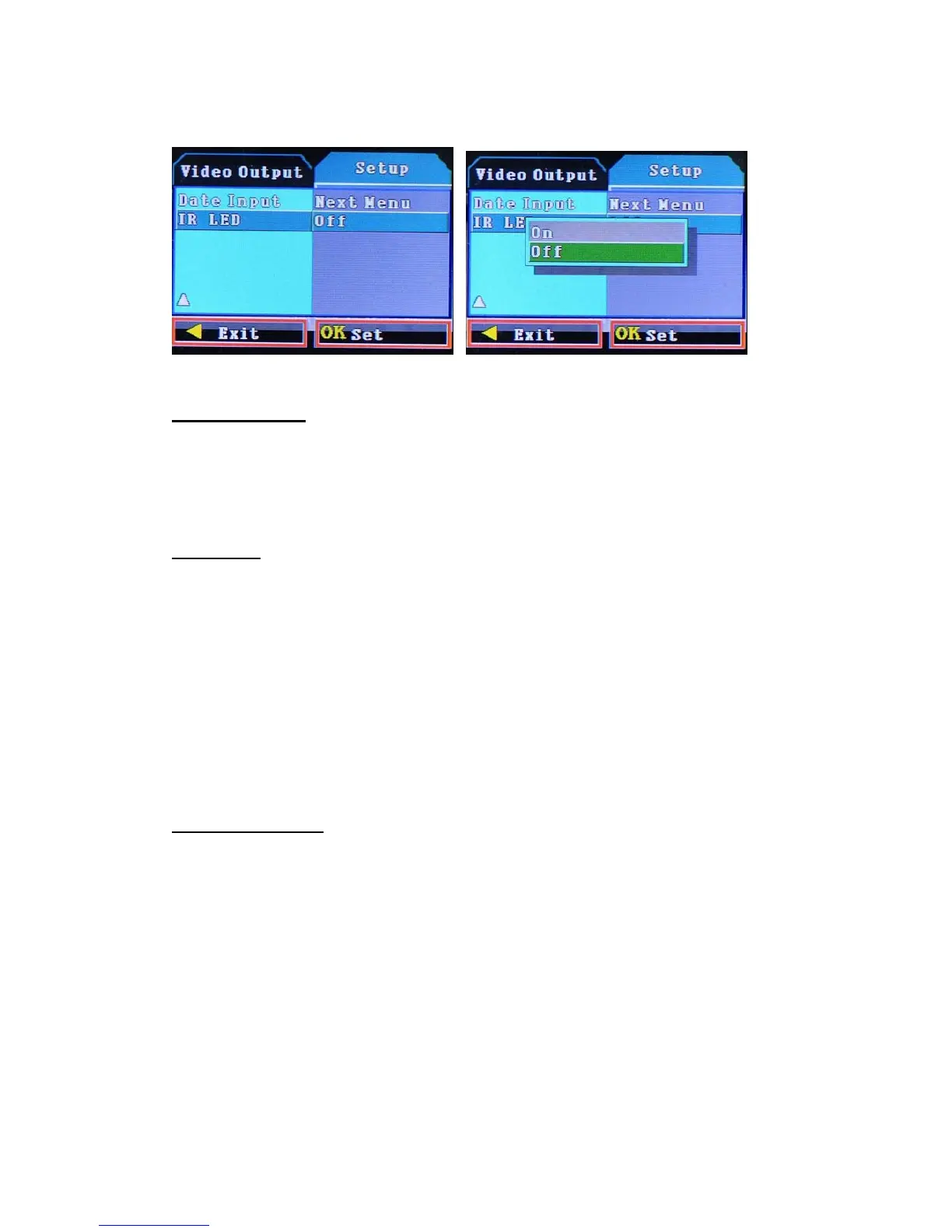
○ IR LED: On / Off
When you select "On", the lighting is dark, light up automatically.
☞ Download
● Take out the TF card
● put the TF card in computer
● DCIM/100DSIM folder download the file.
☞! Note
● In the video before you insert the TF card.
● The camera in video mode can automatically loop recording, when the TF card storage is full,
the camera automatically from the TF card to start recording the first part of the content, and the
first photography covering the original file.
(Note: In order to avoid all of the original photo files deleted in its entirety, save the file is
about 2 minutes or so for a section, when the TF card storage is full and sometimes
re-recording each of the original photo files will be overwritten).
● When the battery is low, DVR display "low battery", the display left corner of the battery
symbol flashes.
☞Accessories
●User Manual ● 4.3” TFT mirror ● 12V Power cable
●Giftbox



 To Next Page