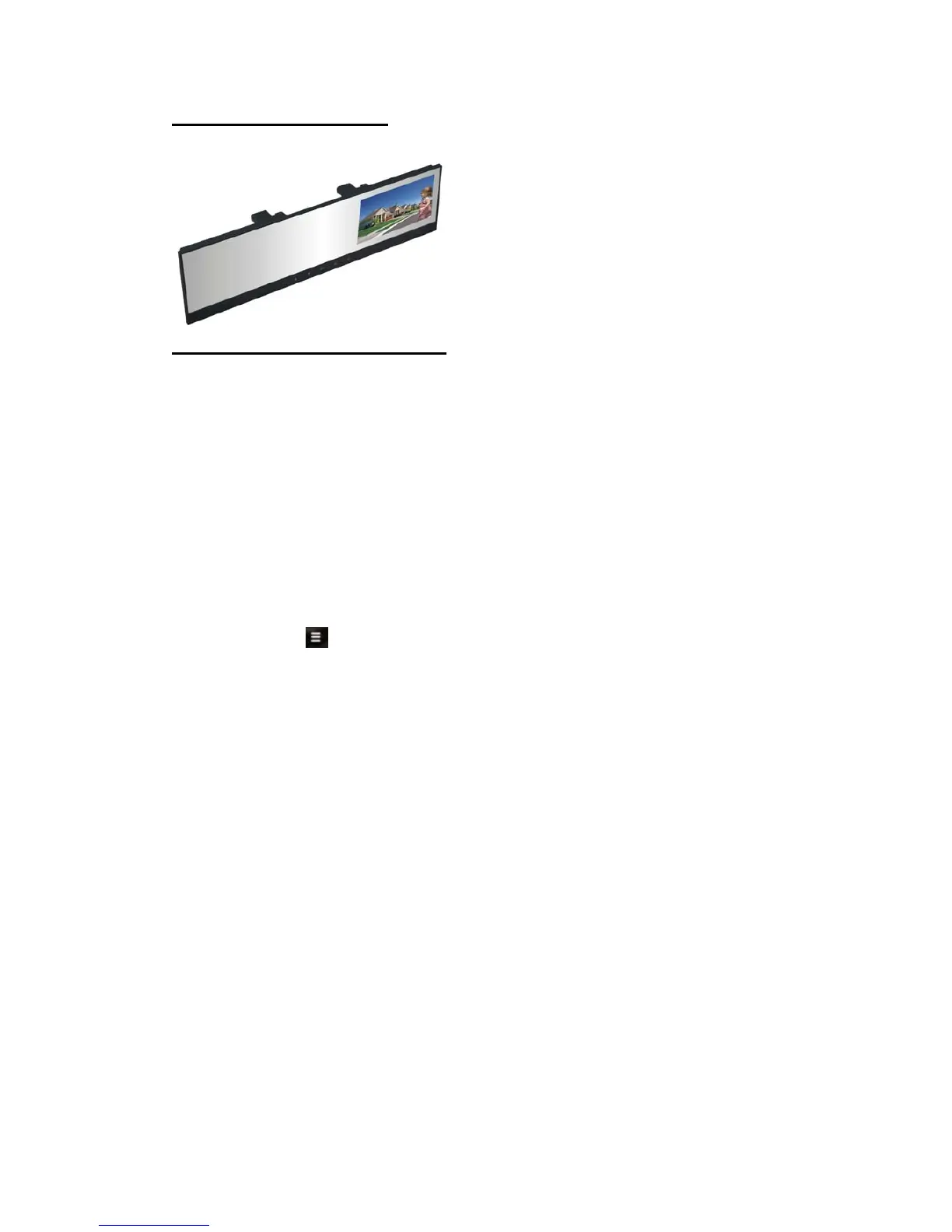
Bluetooth Functions:
A . Power ON/OFF
*The mirror will automatically turn on when it is connected to a power souce
B . Pairing / Linking
*Pairing Bluetooth enabled devices like mobile phones with the Reavi
mirror Speakerphone authorizes the devices to work with each other.
This step only needs to be performed once
* Before pairing the mirror
Ensure the Bluetooth on your mobile phone is activated
Ensure the mirror is plugged into a 12V power source
Follow the steps below to pair your mirror with your mobile phone:
*Power ON the device
*Touch and hold
for 3 seconds to enter pairing mode directly
*Screen will indicate Pairing Mode
NOTE: Mirror is now in pairing mode
*Activate the Bluetooth*settings of your mobile phone
NOTE: The following steps are general procedure; to access Bluetooth*Menu for your mobile
phone,please refer to your phone user manual.
*Select SET-UP or CONNECT from your mobile phone menu
*Find and select OPTION to discover Bluetooth*devices; establishing a connection may take
several minutes
*If found, phone display should indicate VC100B device was detected or Select “VC100B”
from the list
*Phone should give you a prompt asking if you want to pair the device
*Select OK or ACCEPT and wait for prompt to enter passkey or PIN
*Enter the code “0000”
*Select “OK”to pair and connect the VC100B and the handset
*When pairing is complete, the“VC100B”LCD will show Connected (Phone’s ID)
NOTE: The VC100B can pair with more than one phone, however it can only connect to one
phone at a time. If you wish to pair to a second phone, disable or turn OFF Bluetooth*on the
phone already paired.



 To Next Page