29
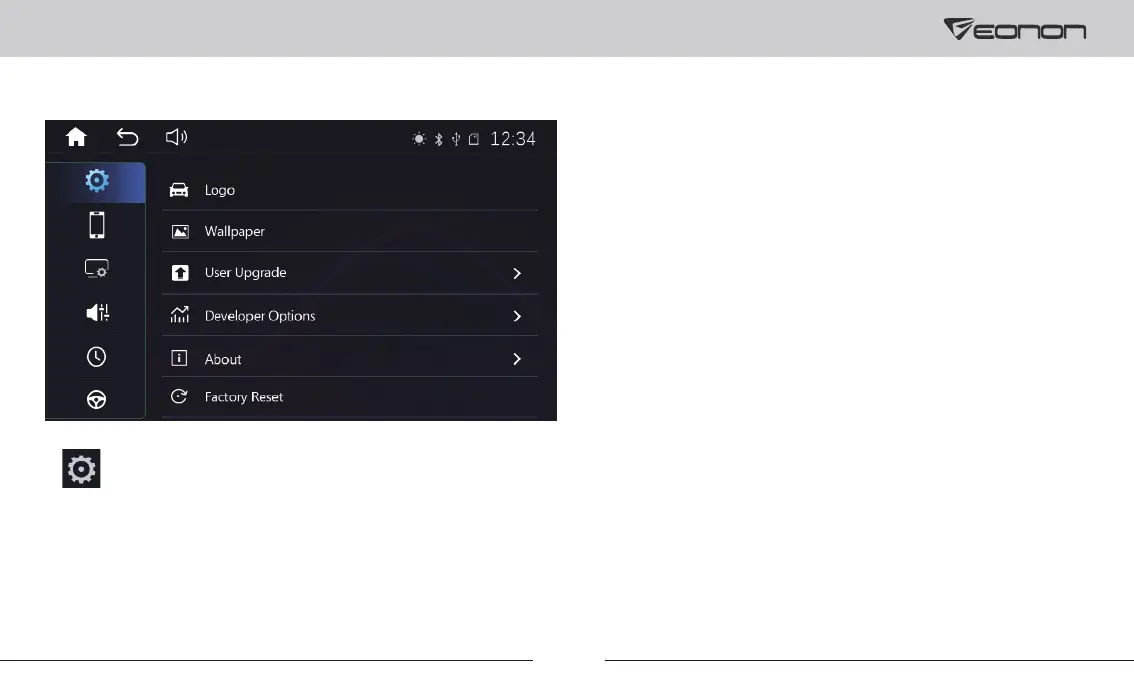
Settings
1. General Settings
Language: To change the language.
Beep: To turn on/off the key tone.
Keylight: To set the color of the buttons.
Brake Detection: After turning this setting on, the system
will check whether the car is in motion or not through
brake-in wire. If the parking brake is working, the screen
can display the video image, otherwise the screen can't
display the video image.
Reversing Mute: After turning this setting on, the music
will be turned off when in reverse.
Reversing Mirror: After turning this setting on, you can
mirror the reverse camera image.
Radio Area: To select the radio area.
Panel: For setting the brightness of the display and
touch calibration.
Volume: To adjust the volume.
Wallpaper: To set the wallpaper.
About: To view the system information.
Factory Reset: To factory reset the unit.



 To Next Page