30
2. Phone Settings
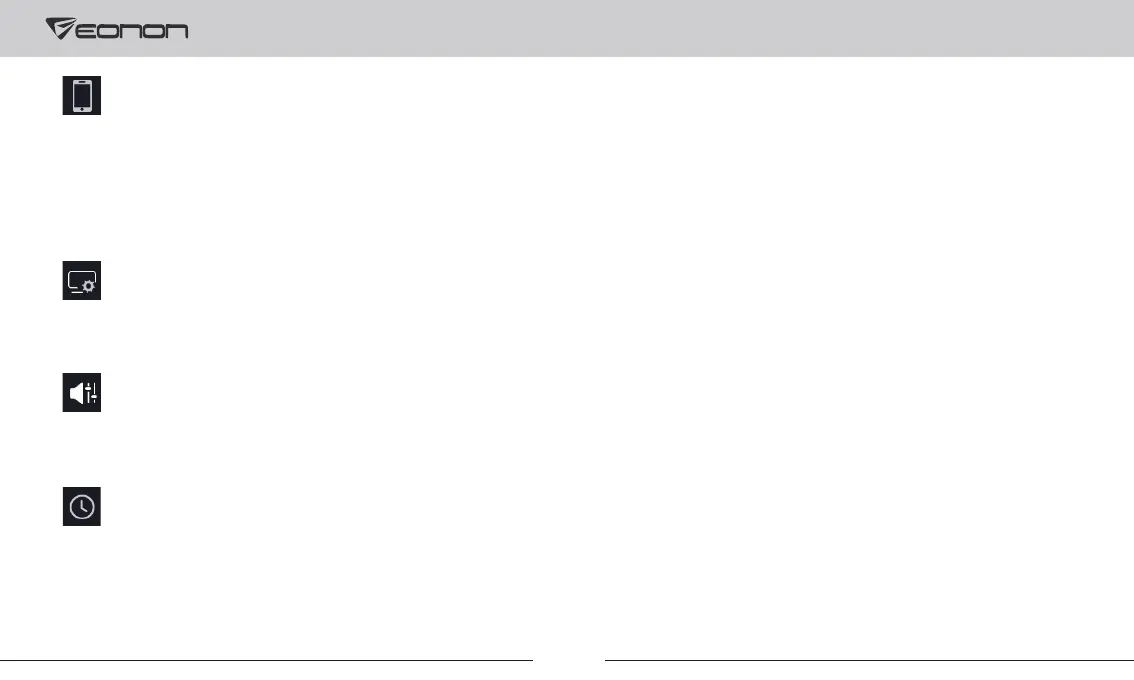
Smart Phone: To set the functions connected through the phone.
Wifi Device: To view WiFi name and password.
To change the parameters of the display.
To set audio settings such as sound field, EQ modes, etc.
To set the system time.
CarPlay Menu On Right: If your driver's seat is on the right, you can turn on this setting to change the sidebar of the CarPlay to
the right.
3. Display Settings
4. Audio Settings
5. Time Setting



 To Next Page