10
5.3. Monitoring
8
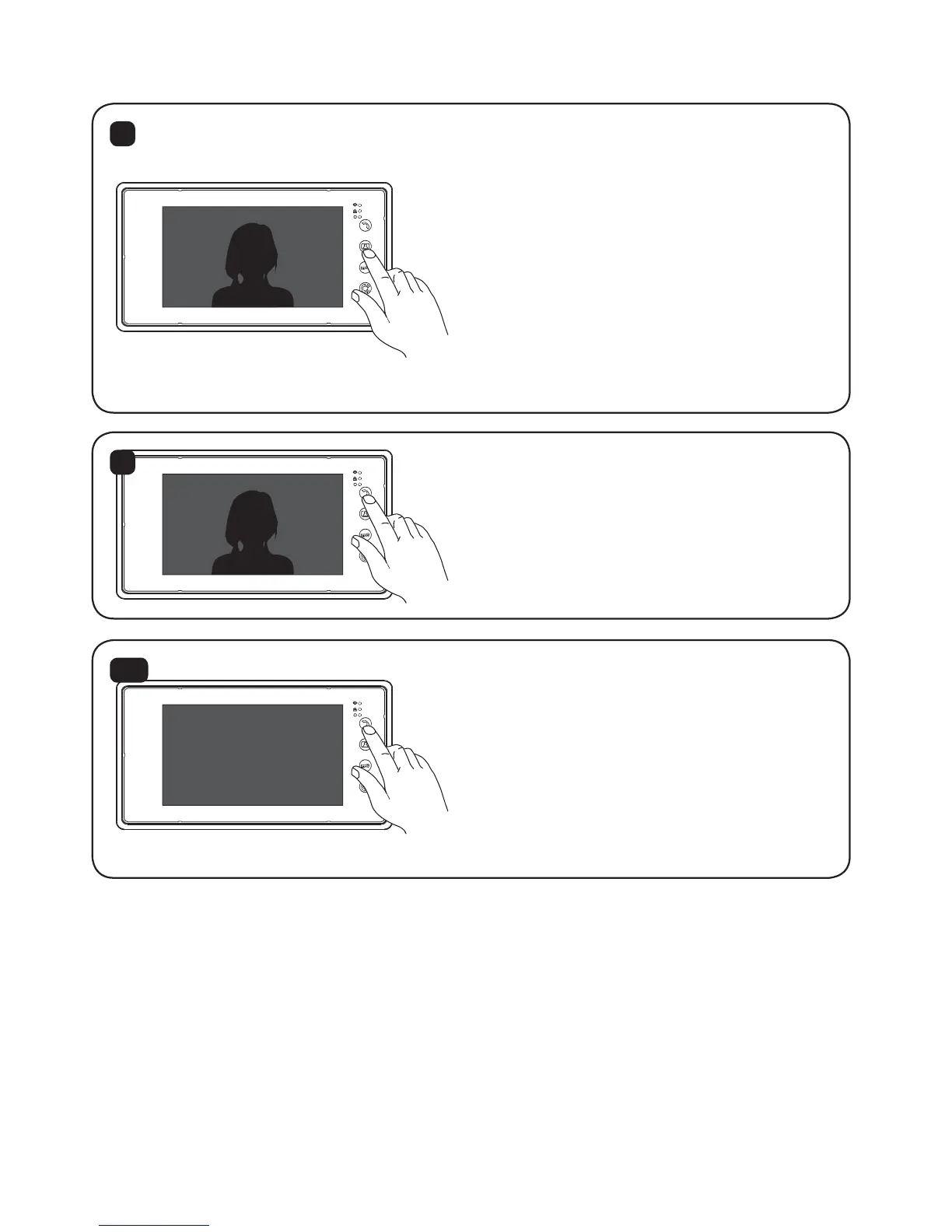
Press the ‘Monitoring’ button to see the
entrance and press again to exit the
monitoring mode. But when there are
more than one outdoor stations, press
“Monitoring” to see the entrance from
one outdoor station and press again to
see from next outdoor station.
Press again to exit the monitoring mode.
9
Monitoring time: After 40 sec, the
monitor will switch to standby mode.
During the monitoring, if there is a
visitor, you can press “Talk” to talk.
10
When the system has more than one
outdoor stations, after any outdoor
station is called, the monitor will auto-
matically memorise the door station is
exist. It will show the door when next
time Monitoring. To reset and show only
one door station when motoring, press
the ‘Talk’ button for 4 seconds.


 To Next Page
 Loading...