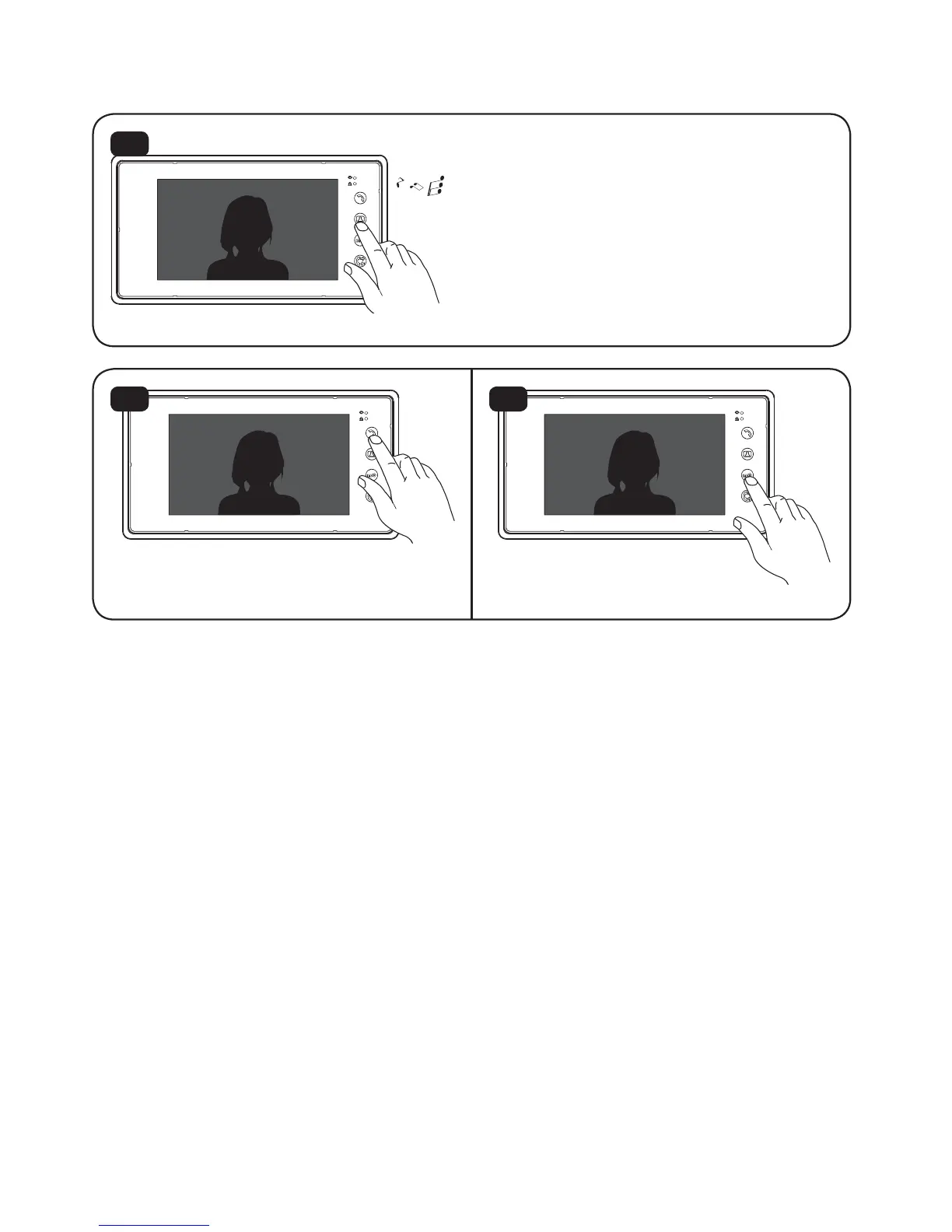
Press “Unlock’’ to confirm
and exit.
Press ”Talk” button to
adjust the ringtone volume.
5.7. Ringtone adjustment ( SD4B Model ONLY )
14
15 16
Long press ”Monitoring’’ button
for 4 seconds to enter ringtone
selection. If you need to change
the ringtone,just press ”Monitoring’’
button once again.
12
* See Page 15 for FUTURO-SD4 Ringtone adjustment.


 To Next Page