POWERED BY
12
SERIESSERIES
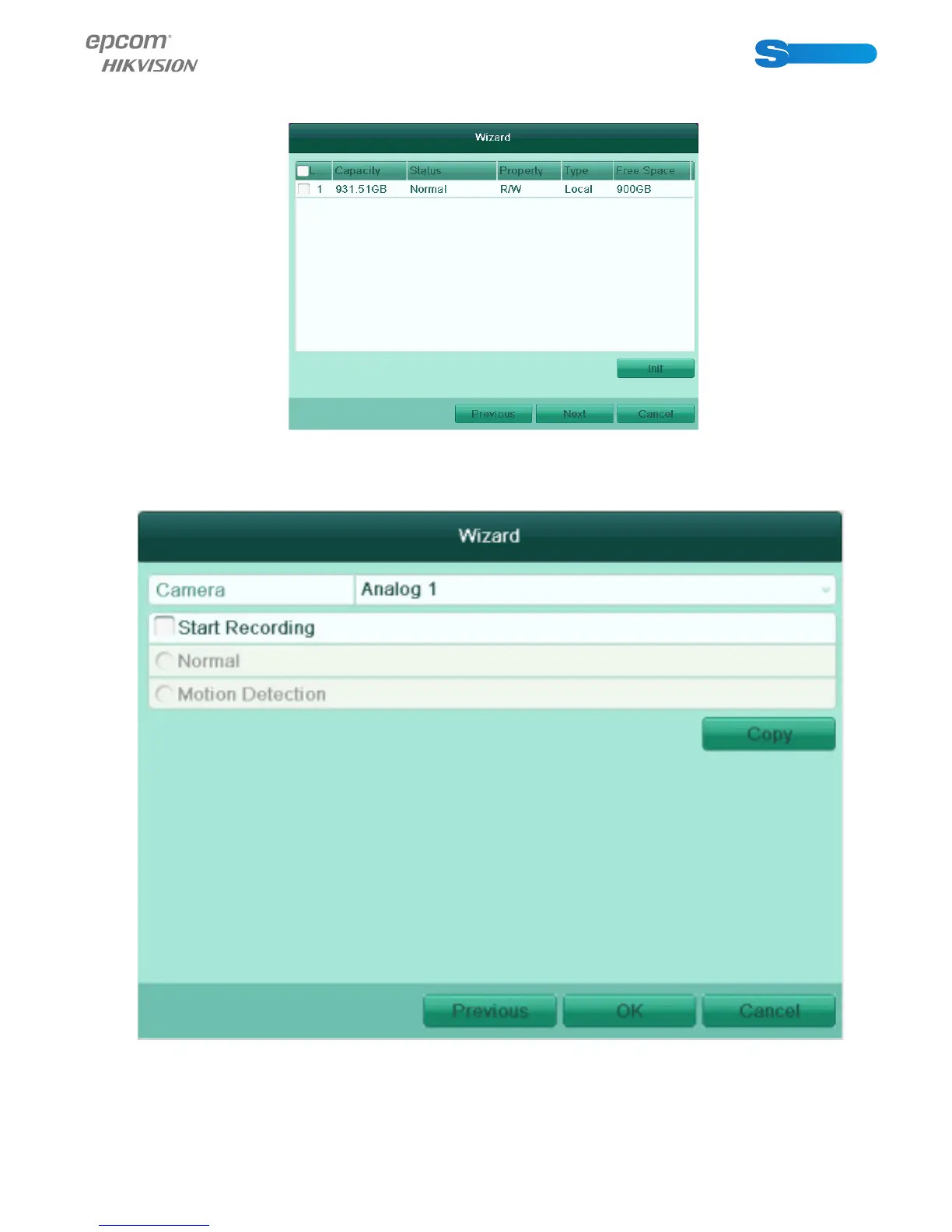
2. Click Next button to enter the HDD Management window.
To initialize the HDD, click theInit button. Initialization removes all the data saved in the HDD.
3. Click Next button to enter the Record Settings window.
1) Select the camera to configure.Check the checkbox to enable Start Recording.
2) Check the checkbox to enable Start Recording.
3) Select the recording mode to Normal or Motion Detection.
4) Click Copy to copy the record settings of the current camera to other camera (s) if needed.



 To Next Page