2.3
Battery
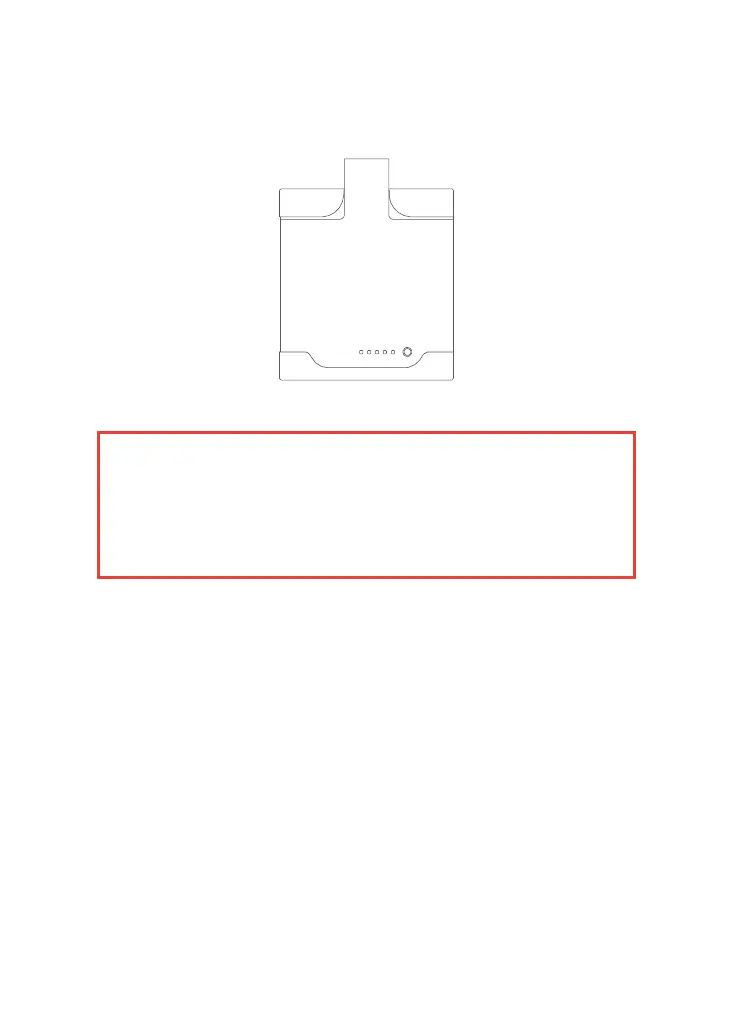
The M10 system is powered by a lithium battery, as shown in the following picture,
Pic. 2-4 M10 battery
2.3.1
Battery Power on
When the battery is in the off state, press the power button once briefly
and then press and hold the power button for more than 2 seconds to
turn on the battery. When the battery is turned on, the power indicator
light will be constantly red and the battery level indicator light will display
the current battery level.
2.3.2
Battery Power off
When the battery is in the on state, press the power button once briefly
and then press and hold the power button for more than 2 seconds to
turn off the battery. After the battery is turned off, all indicator lights will
go out.
2.4
Power cable & Data transfer cable
The M10 is equipped with 3 cables,one data transfer cable,one camera
cable and one GNSS cable,as shown in the following figure,
Warning:
· Do not immerse the battery in liquid (such as water, seawater, etc.). When not in
use, the battery should be placed in a cool and dry environment.
· Do not place the battery near high temperature sources (such as fire, heater, etc.)
or use it nearby.
· Do not hit, compress, throw, or step on the battery.
· If the battery appears bulging or deformed, stop using it immediately.
· This battery is equipped with a dedicated battery charger. Do not replace it with
other models of chargers.



 To Next Page