EasyManua.ls Logo

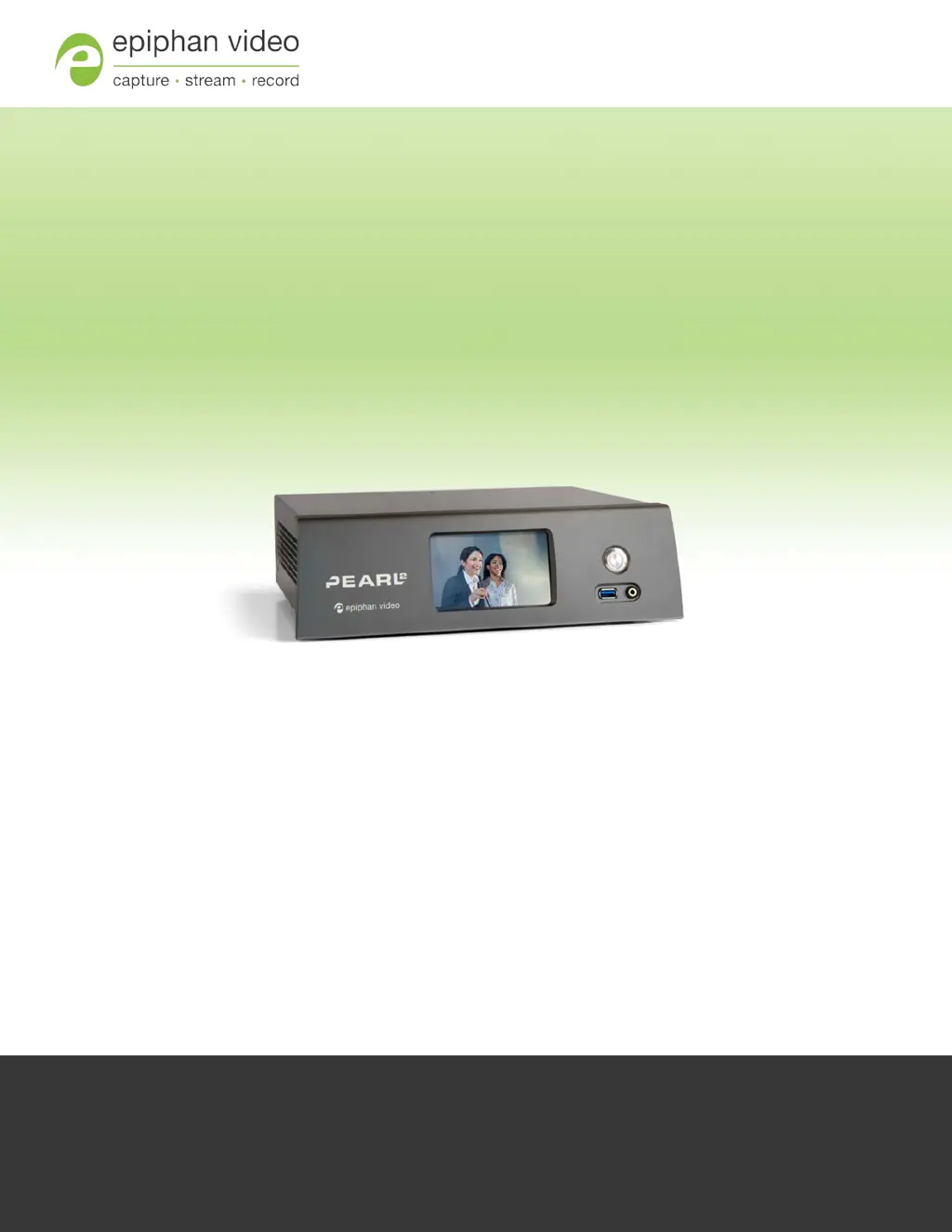
epiphan Pearl-2 - User Manual

epiphan Pearl-2
439 pages
Print Icon
To Next Page IconTo Next Page
Loading...
Epiphan Pearl-2
UserGuide
Release 4.0.0
September 09, 2016
UG115-02
© and ™ 2016, Epiphan Systems, Inc

Table of Contents

Questions and Answers

  • S
    Scott BlakeAug 6, 2025
    How to check if video inputs are being captured on epiphan Pearl-2?
    • J
      jacob98Aug 7, 2025
      To confirm if the connected video inputs are being captured by your Epiphan DVR, there are several things you can check: * Use the source preview in the Admin panel to check each source's input. * Use the touchscreen interface to view confidence monitoring for each channel. * Check the Dashboard interface in Epiphan Live.

epiphan Pearl-2 Specifications

General IconGeneral
Video Inputs2× HDMI, 2× SDI
Video Outputs1× HDMI, 1× SDI
Audio Outputs1 x HDMI
Recording FormatsMP4, MOV
Streaming ProtocolsRTMP, RTMPS, RTSP, HLS
NetworkGigabit Ethernet
StorageUSB
Weight3.2 kg
Power100-240V AC
EncodingH.264
ConnectivityEthernet, USB
Audio Inputs2× XLR/TRS combo jack, 2× RCA, 2× USB, 2× HDMI, 2× SDI
DisplayFront LCD for basic controls and system information

Related product manuals