Pearl-2 User Guide Safely eject the USBdrive
1. Login to the Admin panel as admin. See Connect to the Admin panel.
2. Insert your USB drive in an available USB port on the system. (It is recommended you only use one
USB drive at a time.)(USB ports are available on both the back and the front of Pearl-2.)
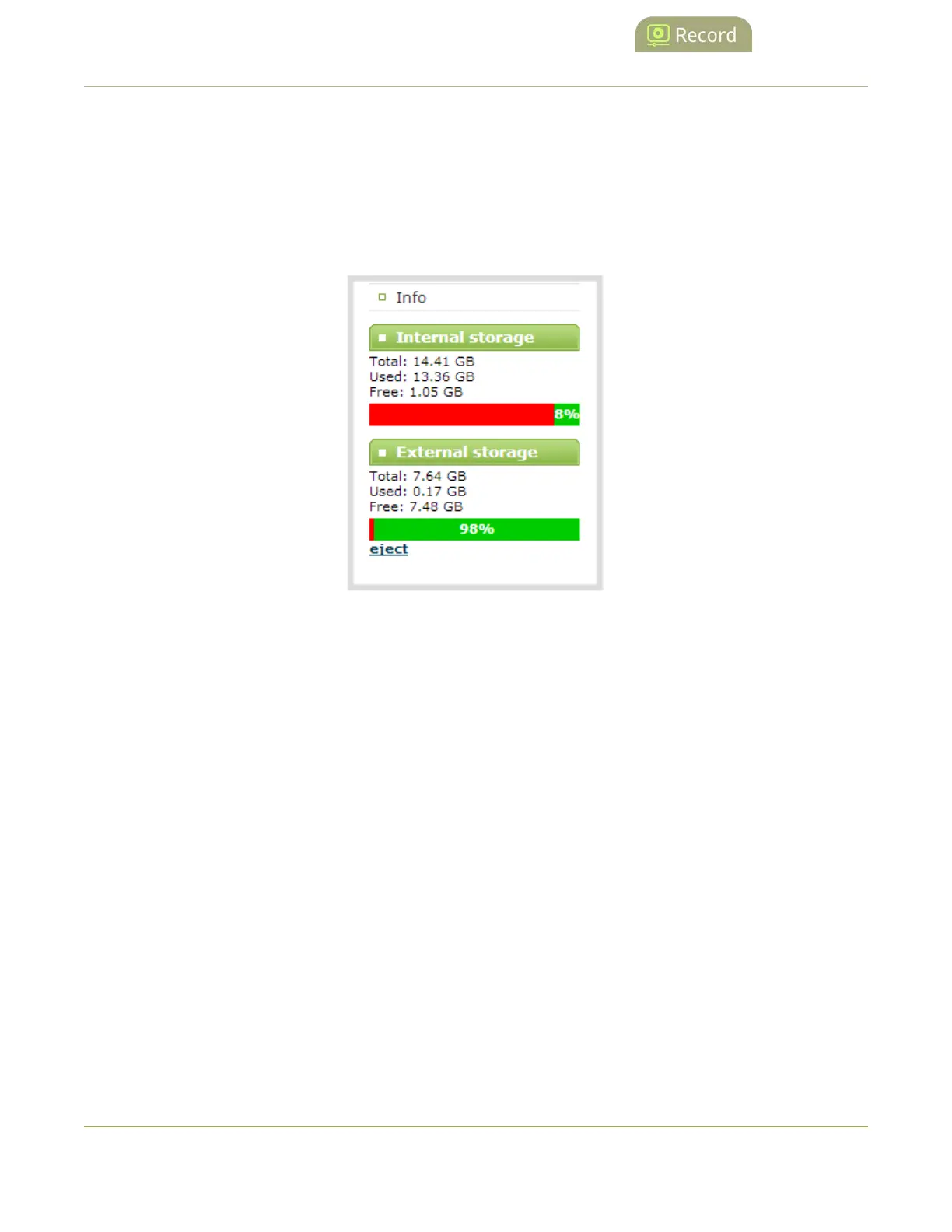
3. Scroll to the bottom of the Admin panel page; external USBstorage is displayed under internal storage
space.
Safely eject the USBdrive
When you have completed work with the USBdrive you can safely eject it by using the link at the bottom of
the Admin panel page.
To safely eject the USBdrive:
1. Login to the Admin panel as admin. See Connect to the Admin panel.
2. Scroll to the bottom of the Admin panel page; click the eject link below external storage space.
350



 To Next Page