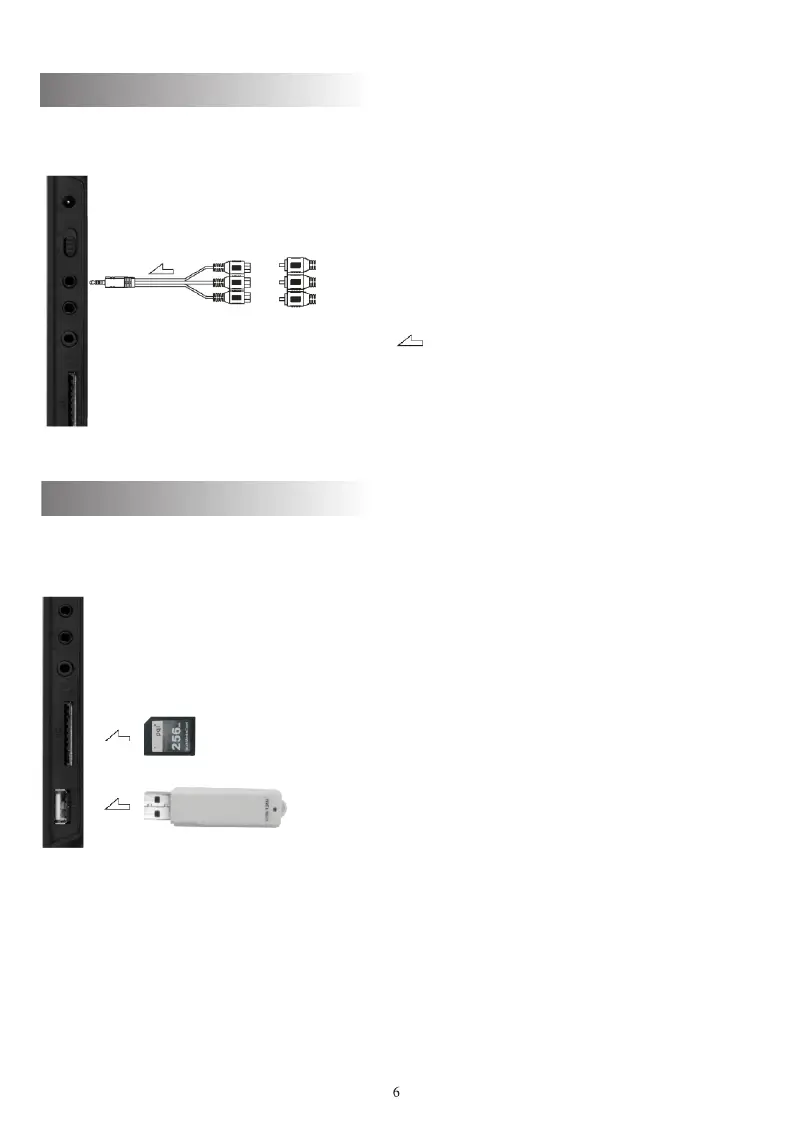
Set the player in AV state to input video and audio signals.
AV input cable
DC/video player
Yellow
White
Red
: Signal flow
Ports on right side of the player
Note: Connect with the special input cable of the player.
Connect to USB and CARD
Set the player in DVD state and connect the USB device or Card
to corresponding interface.
Ports on right side of the player
Connect to external audio/video



 To Next Page