5. Basic Operation
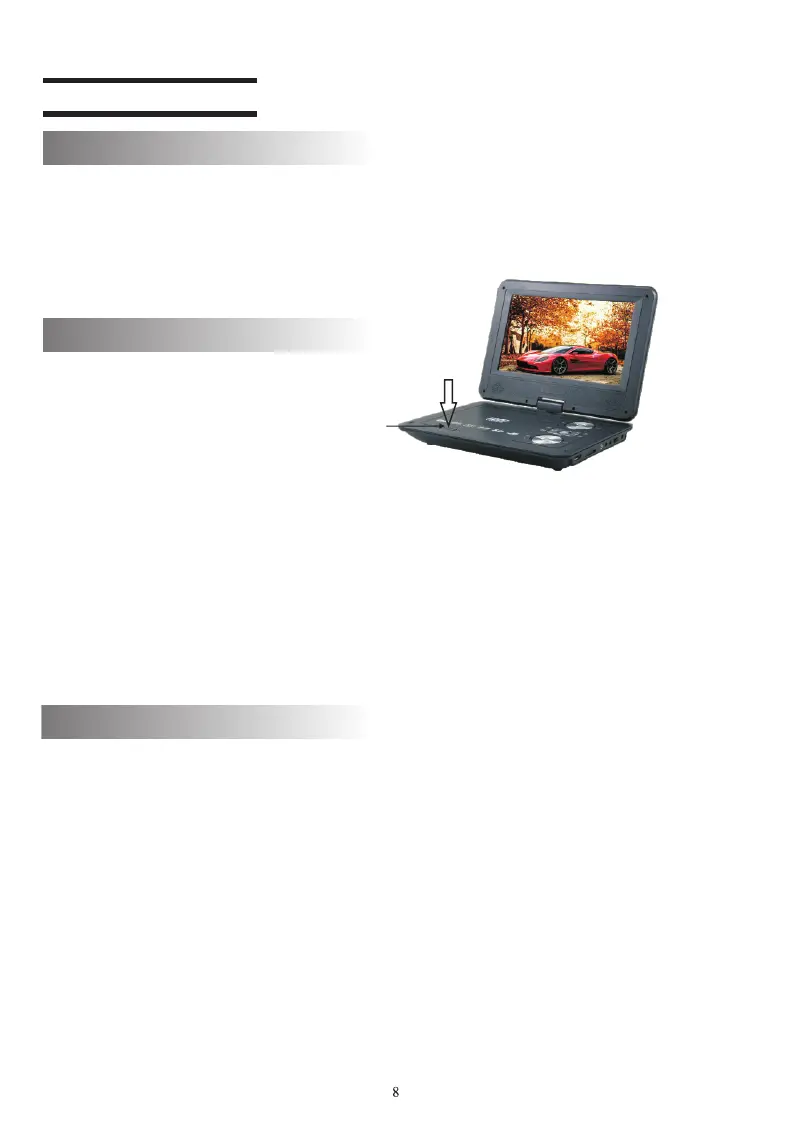
OPEN button
1. Press OPEN button to open the disc slot.
2. Insert the disc and press the center until a click is heard. Rotate the
disc to make sure it is inserted properly.
Note:
Insert the disc carefully to avoid damaging the player. Do not use
damaged disc. Keep the surface with label upturned when you play
single-sided DVD, VCD, CD or MP3. Do not touch the disc surface
when you play double-sided DVD. Do not scratch the surface when
you take out the disc.
3. Close the disc cover (until a click is heard).
4. Please don't switch or setting when it is reading disk.
1. Connect power adapter to AC outlet (110-240V)
2. Insert the output plug of power adapter into the power port on left
side of the player and push the power switch to ON ; then, the red
indicator is illuminated.
" "
Play/pause
1. The TFT screen will display the disc type (DVD, VCD or CD) after
reading the disc.
2. Certain discs may be played automatically when the disc slot is
closed.
3. DVD and certain VCD2.0 discs have menus. You can press direction
keys or numerical keys to select the program and press OK to play.
Note:
When play certain types of VCD, you need to press MENU to disable
PBC before using numerical keys (0-9) to select tracks directly.
4. In the playing process, pressto pause the video and audio and
pressagain to resume.
Turn on
Play disc



 To Next Page