EN
PAIRING BLUETOOTH
WIRED MODE
CHANGE RGB EFFECTS
DRIVING OPERATING ENVIRONMENT
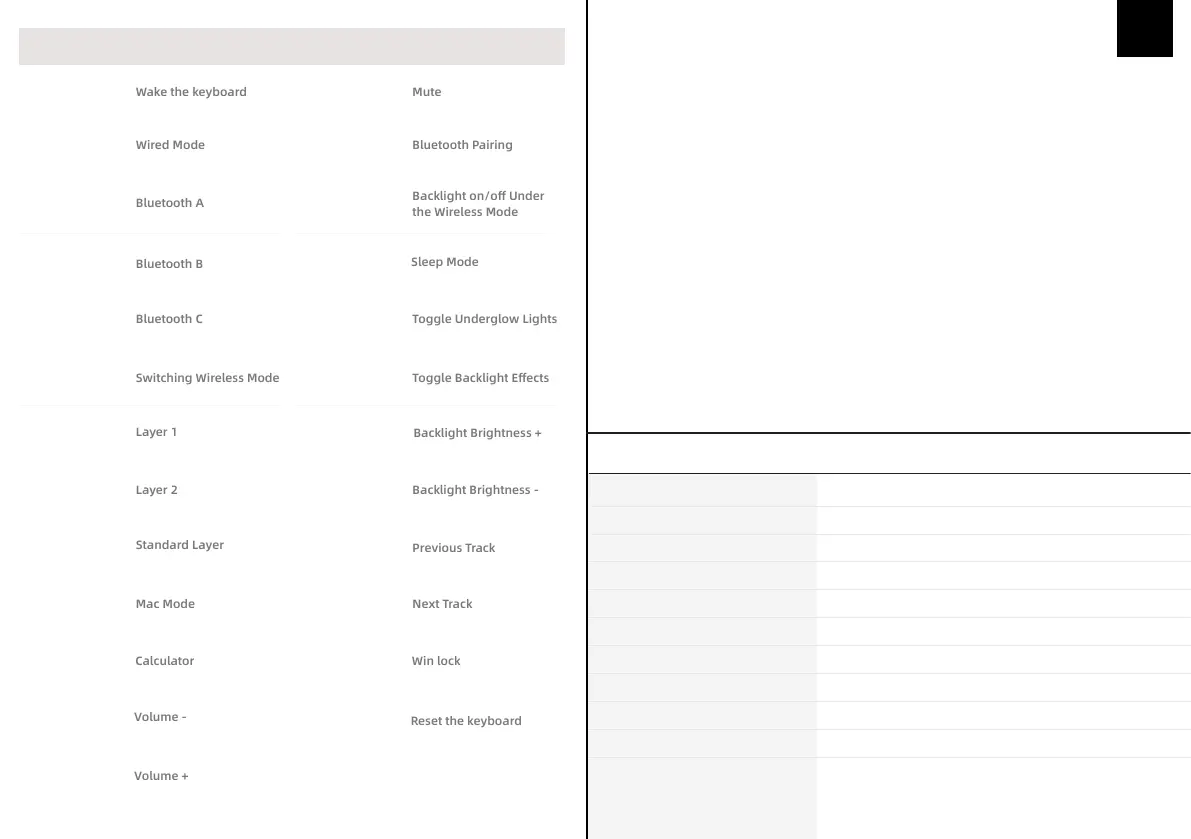
SHORTCUT KEY FUNCTION
Spacebar
(Double click)
Fn+F1
(Hold for 5s)
Fn+F2
(Hold for 5s)
Fn+F3
(Hold for 5s)
Fn+F4
(Hold for 5s)
Fn+F5
(Hold for 5s)
Fn+F9
(Hold for 5s)
Fn+F10
(Hold for 5s)
Fn+F11
(Hold for 5s)
Fn+F12
(Hold for 5s)
Fn+Backspace
Fn+ -
(numpad)
Fn+ +
(numpad)
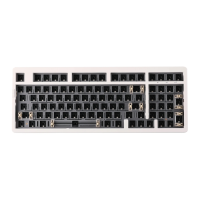
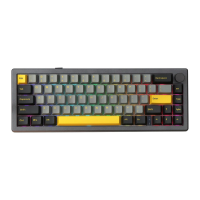
Pressing Fn+ ~ to switch the RGB effect of your Everglide SK98 keyboard kit.
Hold Fn+F2 / Fn+F3 / Fn+F4 for 5 seconds to choose one Bluetooth device.
Hold Fn+Enter (Mainboard) for 5 seconds to start the pairing mode. Turn on the bluetooth
setting and search for ‘SK98’, then pair.
After the hold Fn+F2/F3/F4 to toggle between the Bluetooth devices A/B/C.
Holding Fn+F1 for 5 seconds to switch to the wired mode.
Windows 7 or later, Windows 10 is recommended.
Fn+Enter
(numpad)
Fn+Enter
(mainboard)
Fn+0
(numpad, hold for 5s)
Fn+.Del
Fn+Tab
Fn+ ~
Fn+↑
Fn+↓
Fn+←
Fn+→
Fn+Win-L
Fn+Esc
(Hold for 5s)
Backlight on/off Under
the Wireless Mode
Gasket-mounted
STRUCTURE:
Screw-in
STABILIZER TYPE:
Hotswap PCB
PCB TYPE:
PC/Carbon
PLATE MATERIAL:
10000mAh
BATTERY CAPACITY:
Type-C Wired & Bluetooth Wireless
CONNECTIVITY:
NKRO in all modes
ANTI-GHOST KEY:
WINDOWS/MAC
COMPATIBILITY:
387 x 143 x 33 mm
DIMENSION:
Around 1.65kg
WEIGHT:
98 Keys
KEYS AMOUNT:
SPECIFICATION PARAMETER


 To Next Page