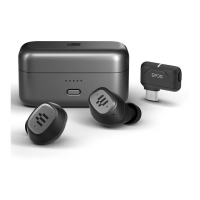
12How to use – the basics
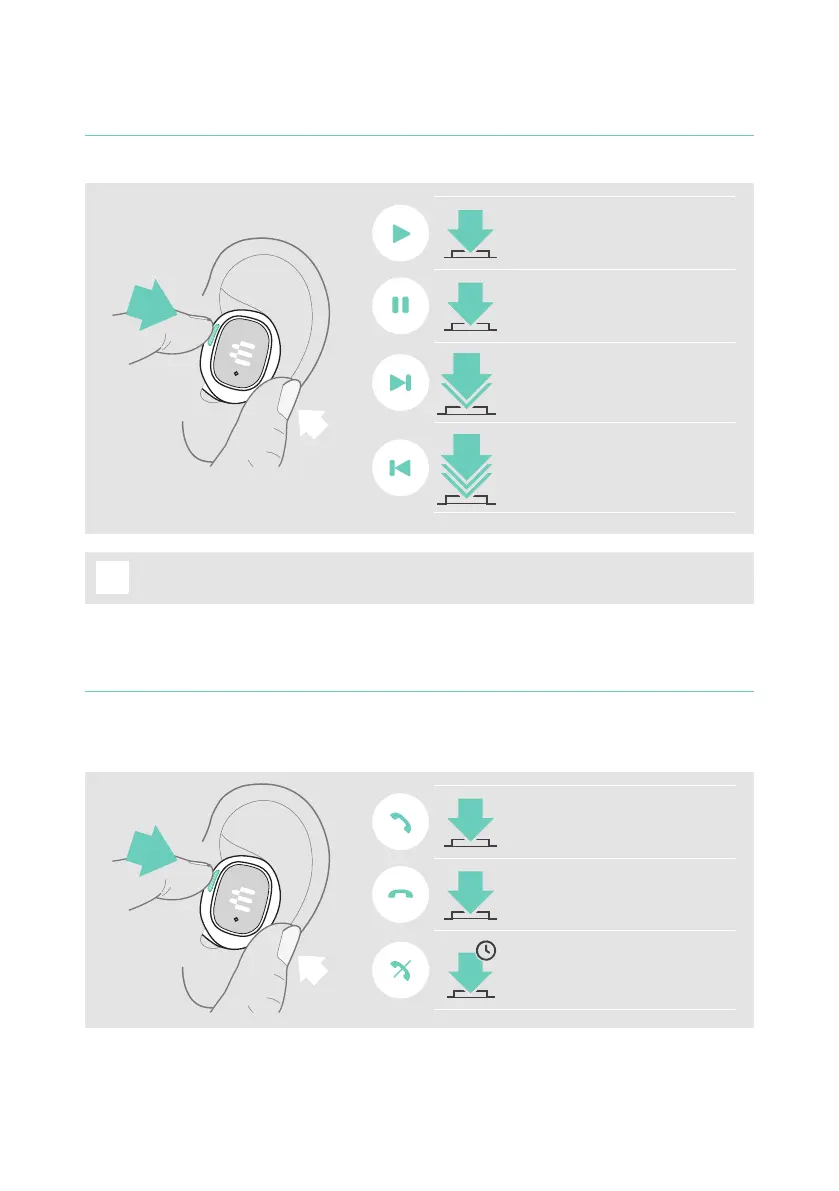
Handling audio
Press the button* to:
Resume streaming audio
Pause streaming audio
2x
Skip to next track
3x
Skip to previous track
i
If you receive and accept a call, audio is paused and restarts after the call –
if supported by the connected device�
*Functionality varies by application
Handling calls
To make a call: Initiate it via your connected device�
Press the button* to:
Accept a call
End a call
3s
Reject a call
*Functionality varies by application



 To Next Page