7How to connect to your devices
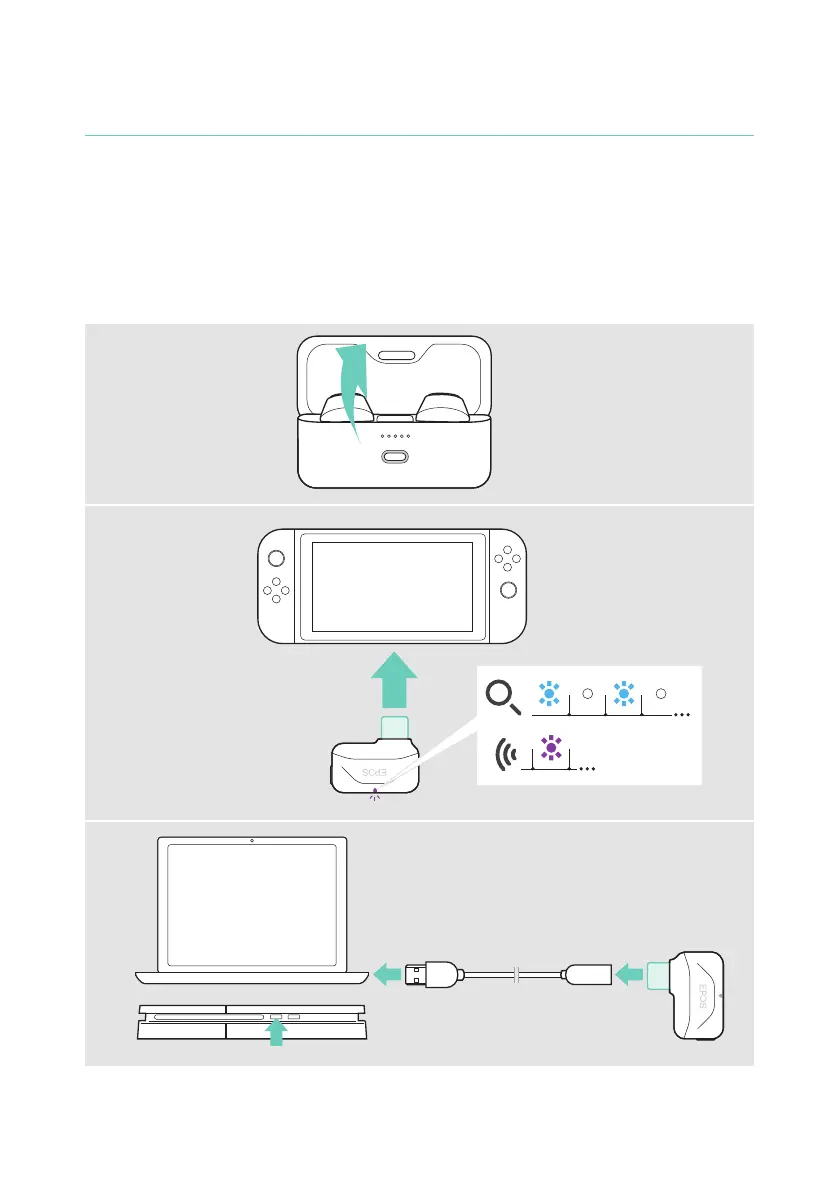
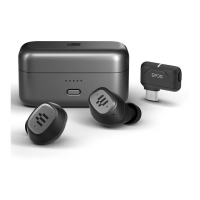
Connecting the dongle
You can connect the dongle e� g� to your PC, Nintendo Switch™, PS4™ or Android™
device� Upon arrival the dongle is already paired with the earbuds.
1 Open the lid to power on the earbuds� Switch on your device� Make sure you are
not already connected to a Bluetooth device�
2 A Plug the dongle into the USB-C port of your gaming platform of choice�
B Use the extension cable to connect it to a USB-A port�
The LED pulses until the dongle is connected to your earbuds�
A
1
2
B2



 To Next Page