8How to connect to your devices
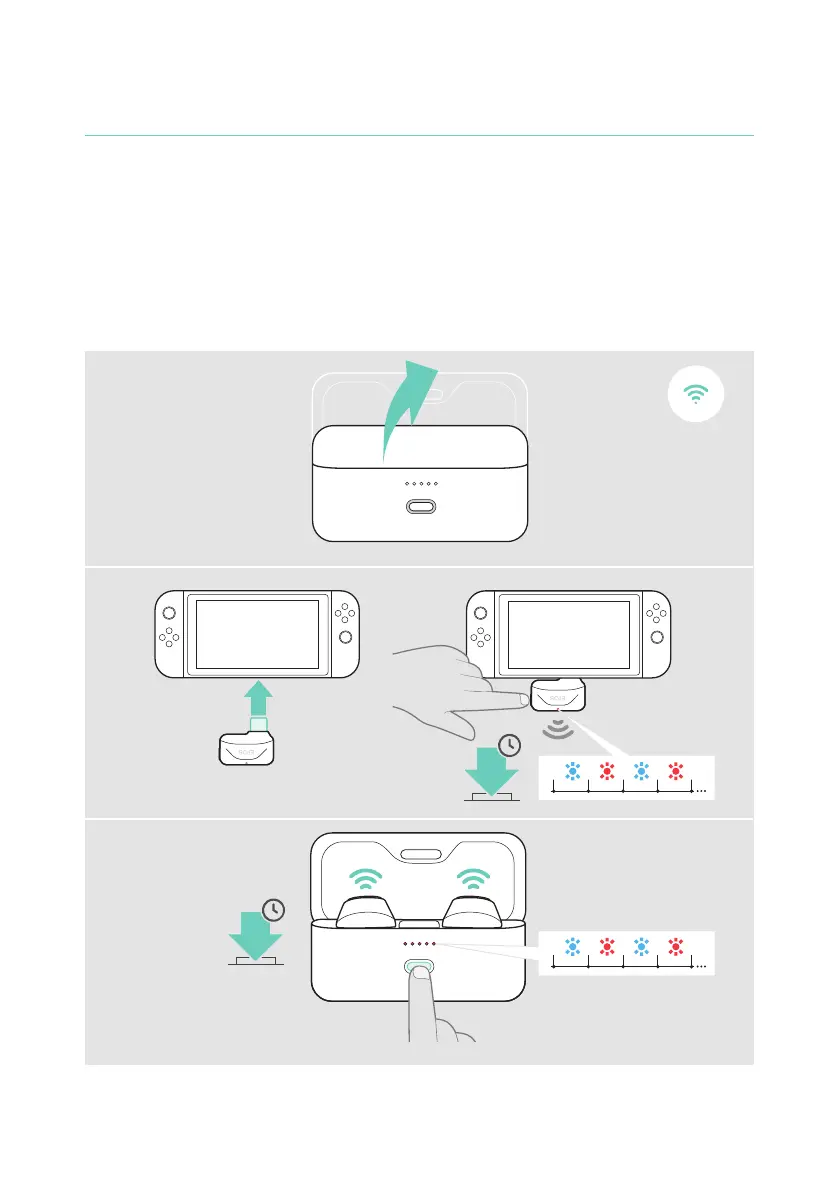
Pairing with the dongle
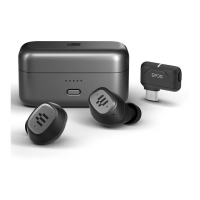
Upon arrival the dongle is already paired with the earbuds� In case you reset your
paired device list, please follow the instructions below�
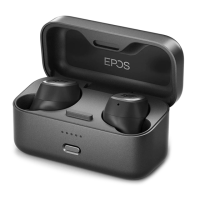
1 Have both earbuds in the closed charge case, then open the lid�
2 Plug the dongle into the USB port of your gaming platform of choice� Or use the
extension cable to connect it to a USB-A port� Press and hold the dongle button
to initiate pairing�
3 Press and hold the charge case button to initiate pairing� The LEDs pulse red and
blue� The LEDs stop pulsing as soon as the devices are connected�
3
2
1
3s
3s



 To Next Page