EasyManua.ls Logo

EPS Bio Technology EasyMax V - Setting the Time and Date-First Time Use

Default Icon
20 pages
Print Icon
To Next Page IconTo Next Page
To Previous Page IconTo Previous Page
Loading...
4
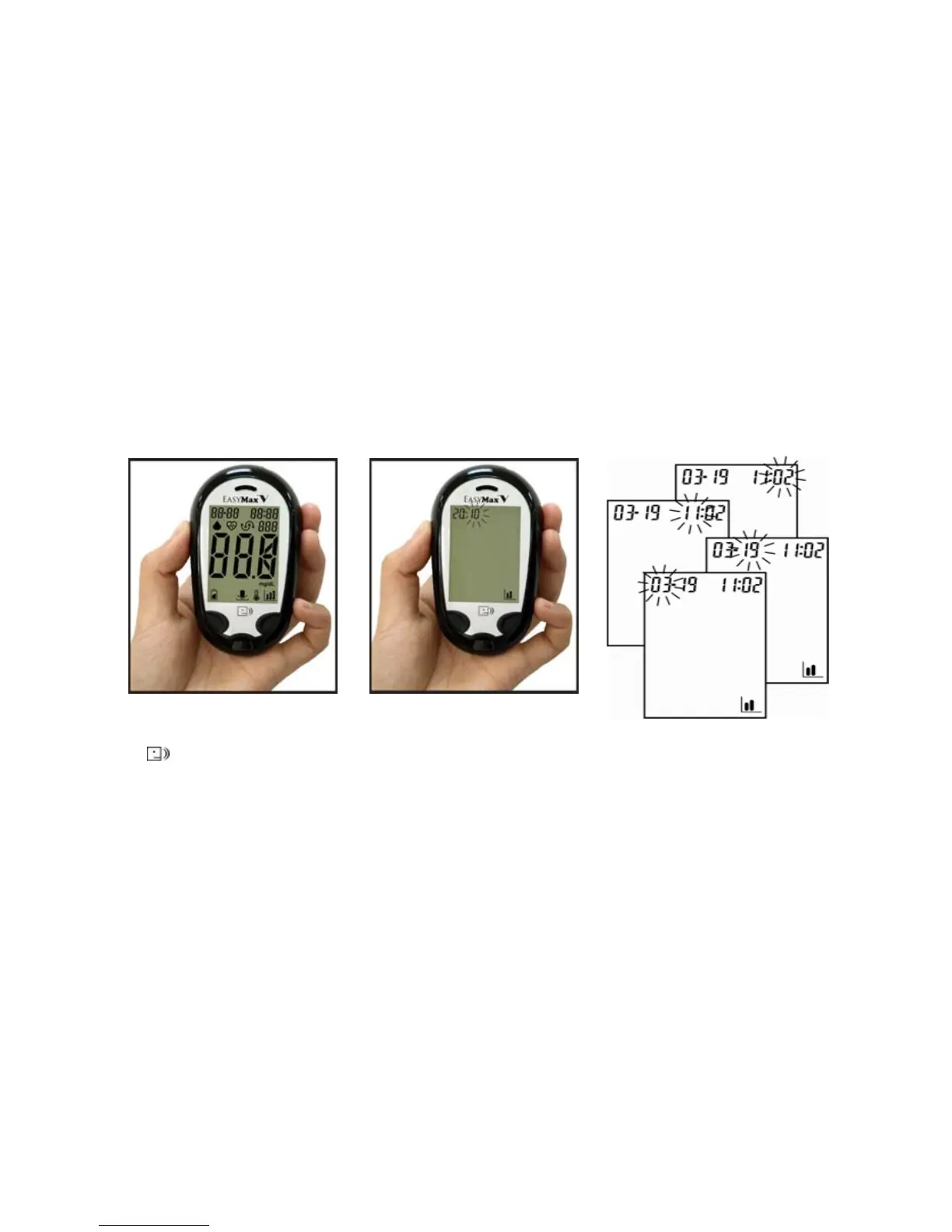
Setting The Time and Date—First Time Use
Setting the current time and date in your meter is important if you intend to use the meter memory.
1. Press to turn the meter on.
2. The last 2-digit of the year
flashes at the top of the
display. Press to adjust the
year and press to confirm
the settin

g
.
3. Repeat step 2 to set the
date and time. The flashing
field is the one you are
currently setting.

Other manuals for EPS Bio Technology EasyMax V

Related product manuals