5
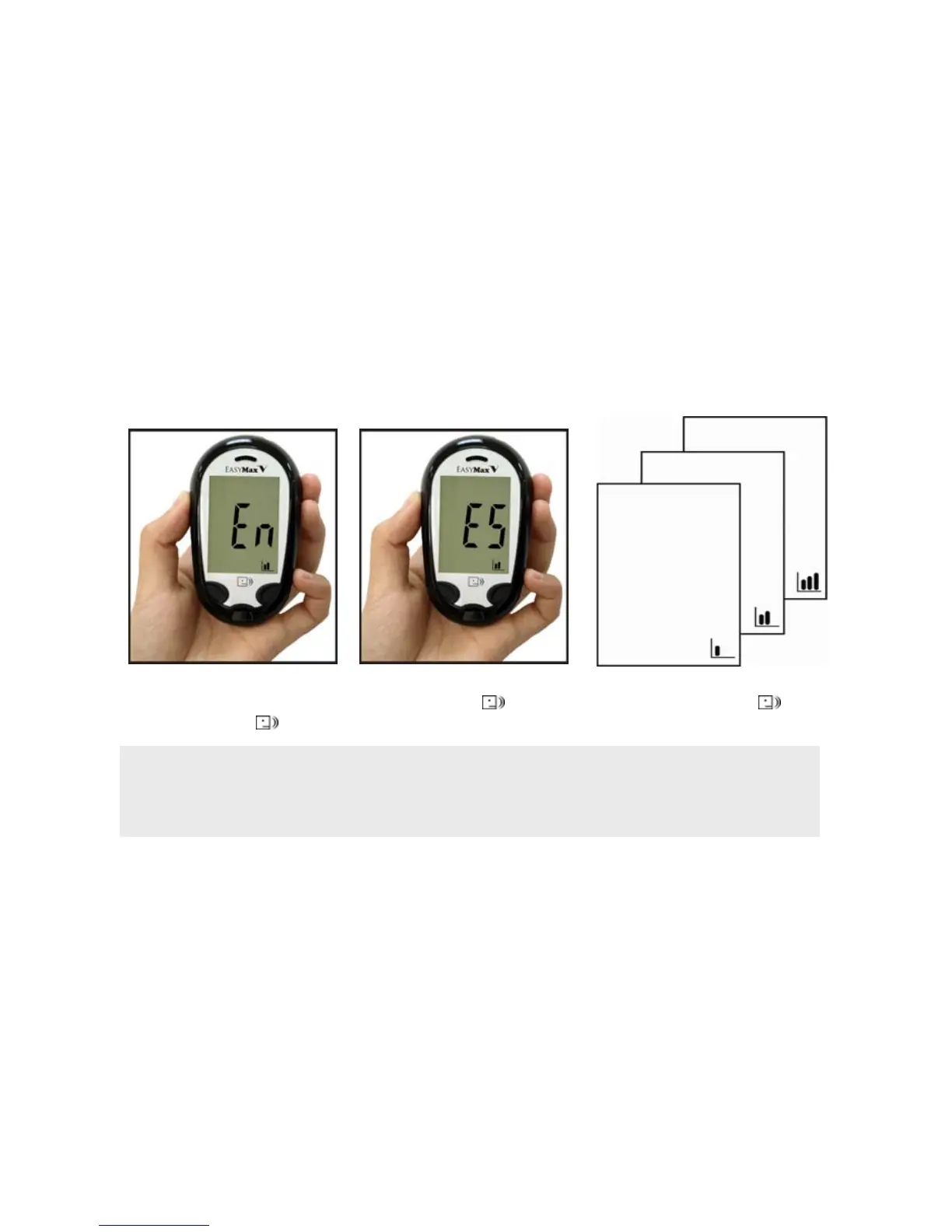
Setting The Language and Volume—First Time Use
1. Press to adjust the
language.(En= English,
Es = Spanish)
2. And press to confirm
the setting.
3. Repeat step 1 and 2 to
set the volume.
Note:
1. The priority language of the blood glucose meter is set in English.
2. The unit of blood glucose meter is set at mg/dL without any modification function. If the
display shows mmol/L, please call Customer Service toll-free 866-994-3345.



 To Next Page