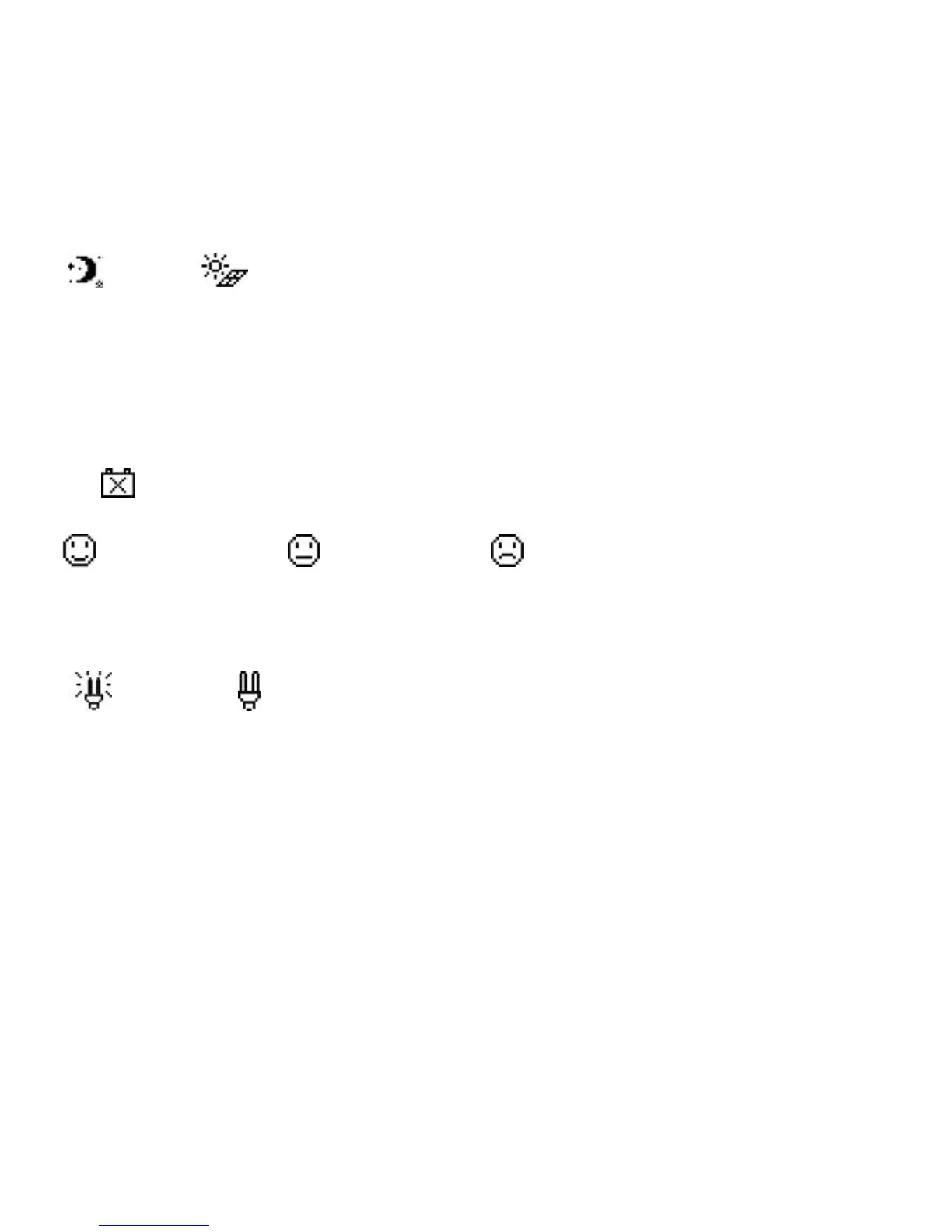
Day and night icons
-Night
,
- Day: The threshold voltage is 1V. Higher than 1V is daytime.
Charge current icon
The icon is dynamically if there is charge current.
Battery icon
The battery capacity is dynamically displayed
Note: When the battery is in over discharge status, the icon displayed
is“ ”.
Battery status icons
-Normal voltage, -Under voltage, -Over discharge.
Load current icon
The icon is dynamically if there is discharge current.
Load status icon
- Load On, - Load Off.
Note: In Manual Mode, pressing the "OK" button will switch the load status
between "ON" and "OFF"


 To Next Page