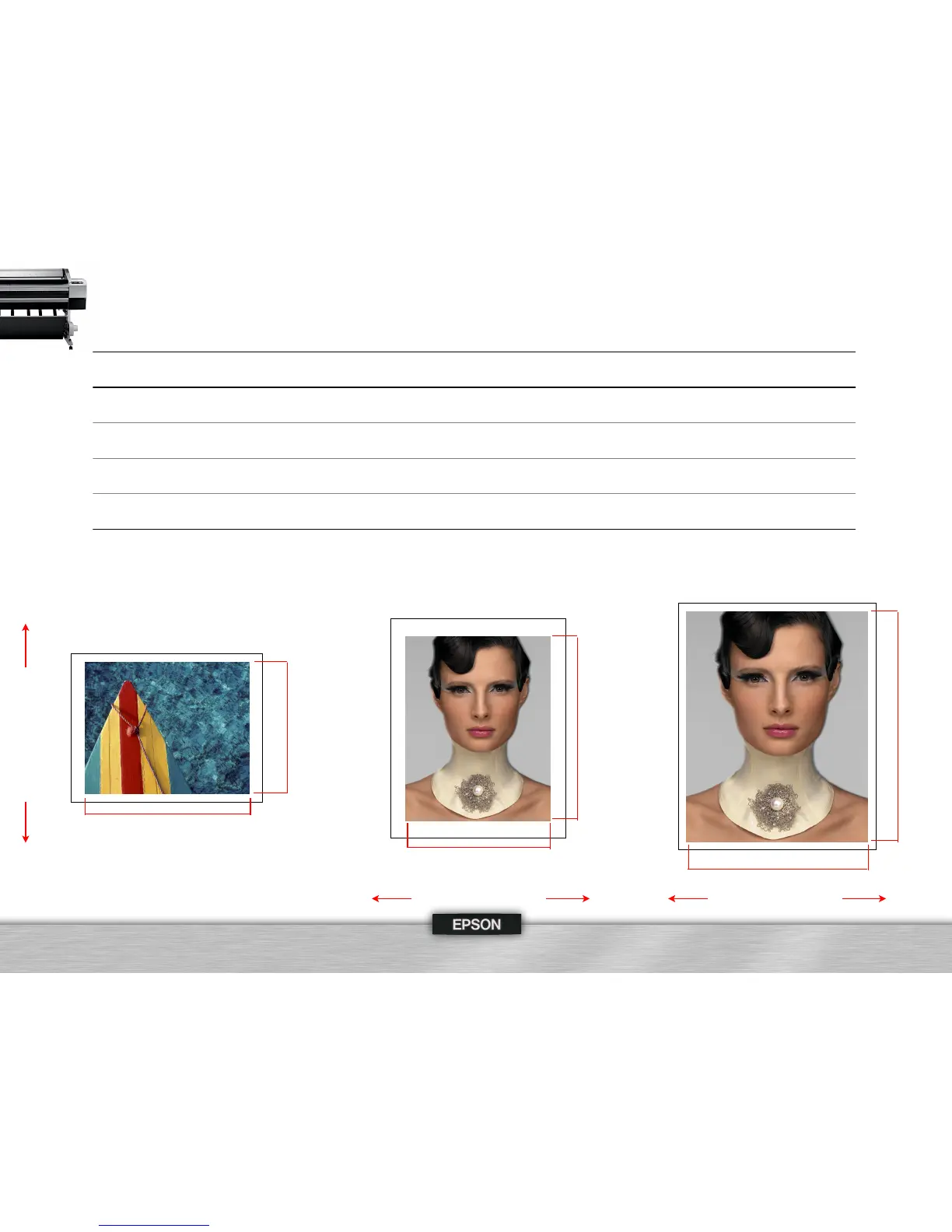
Based upon print engine speeds only | Total throughput times depend upon front-end driver/RIP, file size, printer resolution, ink coverage, networking, etc.
Images printed as shown below on Epson Premium Luster Photo Paper 260 using a standard ICC color managed workflow via Adobe® Photoshop® CS3
Print speeds are shown in min:sec | HS = High-Speed Mode (Bi-Directional Print Mode)
43
44”
62”
60”
40”
Print Head Direction
22”
17”
16”
20”
24”
32”
30”
20”
Print Head Direction
Photographs © 2007 Jay Maisel & Douglas Dubler
3
Print Head Direction





 To Next Page