47
R4C626
short.bk Rev_D
A5 size TRBLE.FM
9/8/00 Pass 0
L
Proof Sign-off:
Otsuka _______
N.Nomoto _______
R.Thomson _______
Cancelling Printing
If the printouts are not what you expect and display incorrect or
garbled characters or images, you may need to cancel the print
job. To cancel the print job, follow the instructions in the
appropriate section below.
For Windows 98, 95, 2000, and NT 4.0 users
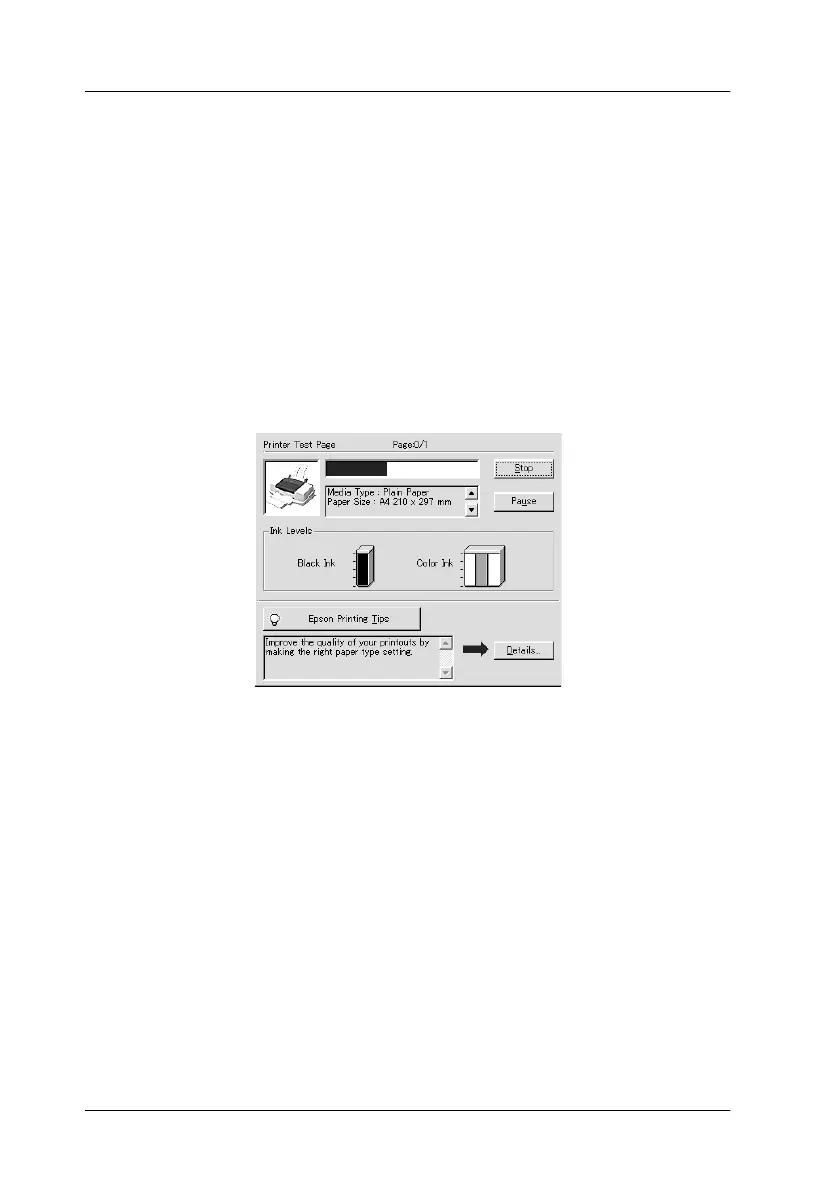
When you send a print job to the printer, the Progress Meter
opens.
Click the
Stop
button to cancel the print job.



 To Next Page