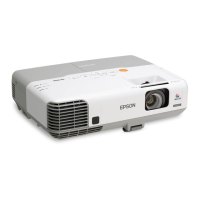
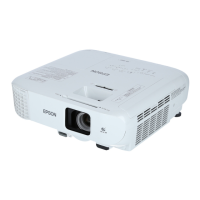
Name Function
D
[Help] button
Displays and closes the Help screen which shows you how
to deal with problems if they occur.
s "Using the Help" p.128
E
[Esc] button
• Stops the current function.
• If pressed when the Configuration menu is displayed, it
moves to the previous menu level.
s "Using the Configuration Menu" p.99
F
[a][b] buttons
or [Wide][Tele]
buttons
• For EB-955WH/EB-950WH/EB-965H/EB-945H/
EB-940H/EB-98H/EB-97H/EB-W29/EB-X30/EB-
X29/EB-X27
[a] Decreases the volume.
[b] Increases the volume.
s
"Adjusting the Volume" p.53
• For EB-S29/EB-S27
[Wide]: Enlarges the size of the projected image.
[Tele]: Reduces the size of the projected image.
s "Adjusting the Image Size" p.51
• Corrects keystone distortion in the horizontal direction
when the Keystone screen is displayed.
s "H/V-Keystone" p.49
• If pressed when the Configuration menu or the Help
screen is displayed, these buttons select menu items and
setting values.
s "Using the Configuration Menu" p.99
s "Using the Help" p.128
G
[Menu] button
Displays and closes the Configuration menu.
s "Using the Configuration Menu" p.99
H
[Power] button
[
t
]
Turns the projector power on or off.
s "Turning On the Projector" p.39
I
Indicators
Indicates the projector's status.
s "Reading the Indicators" p.130
Remote Control
Part Names and Functions
18


 To Next Page