2
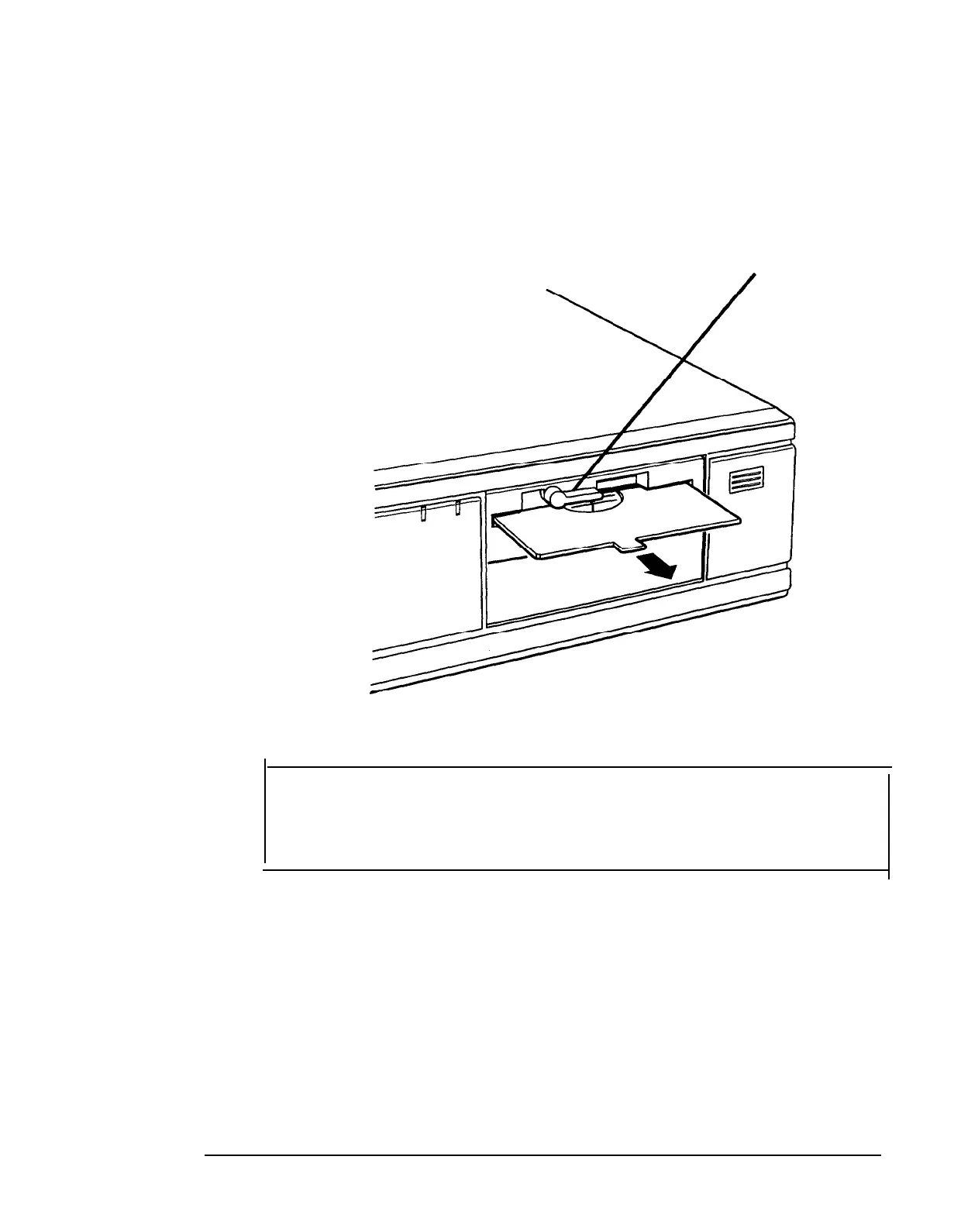
Removing the Protective Card
If you have a 5.25-inch diskette drive, there is a protective card
in the diskette slot. To remove it, lift the latch up to release the
card; then pull it out.
latch
Caution
Never turn on your computer with a protective card in the
diskette slot. You could damage the diskette drive.
If you have a second 5.25-inch diskette drive, be sure to remove
the card from it also.
Save the protective card. If you transport your computer later,
insert the card to protect the drive’s read/write heads during
shipping.
Setting Up Your System
1-3



 To Next Page
 Loading...


