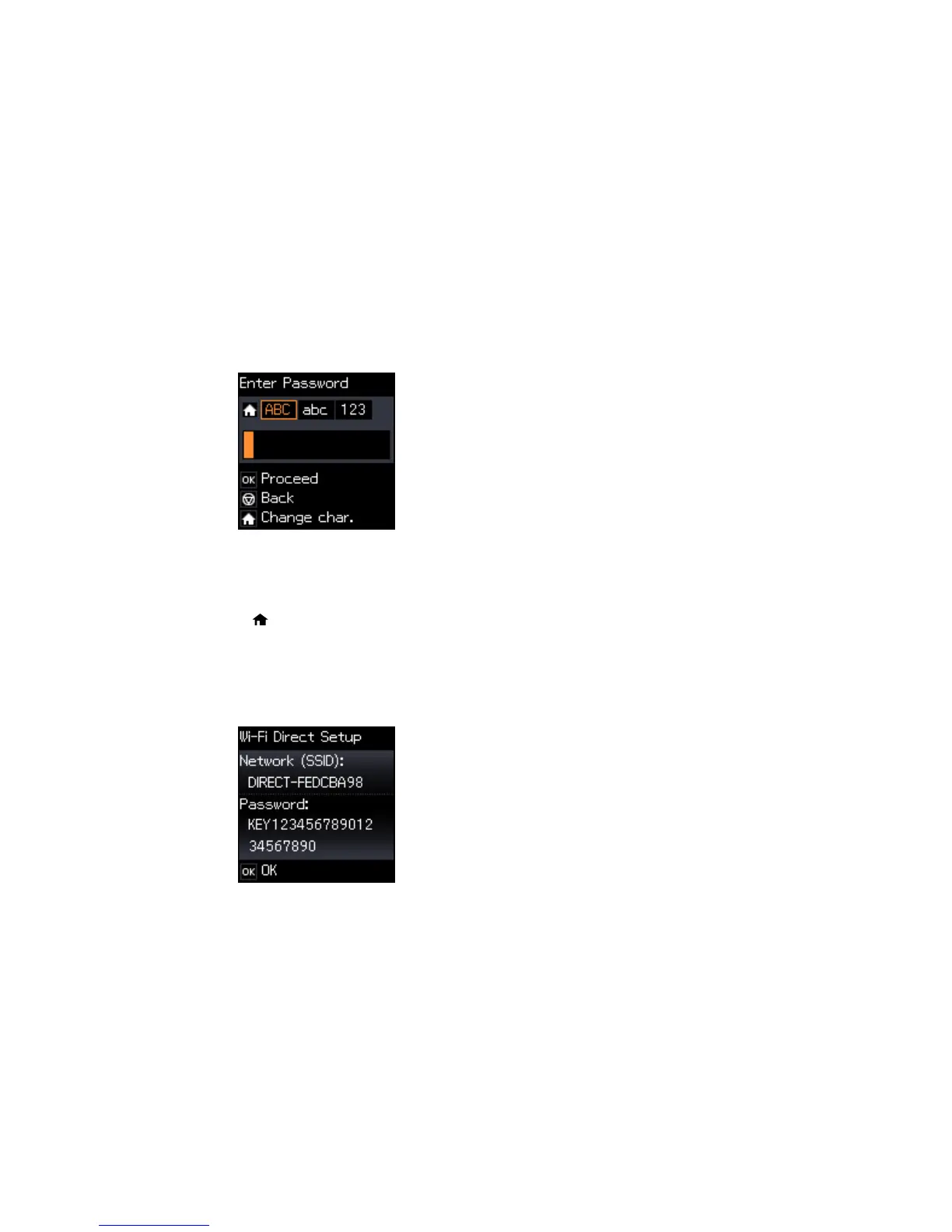
6. Enter your Wi-Fi Direct password.
Note: Your password must be at least 8 and no more than 22 characters long.
• Press the up and down arrow buttons to scroll through characters. Then press the right arrow
button to move to the next character.
• To switch between ABC (uppercase), abc (lowercase), or 123 (numbers and symbols), press the
home button.
• To delete characters, press the left arrow.
• When you finish entering characters, press the OK button.
7. Press the OK button.
You see a screen like this:
33






 To Next Page