216
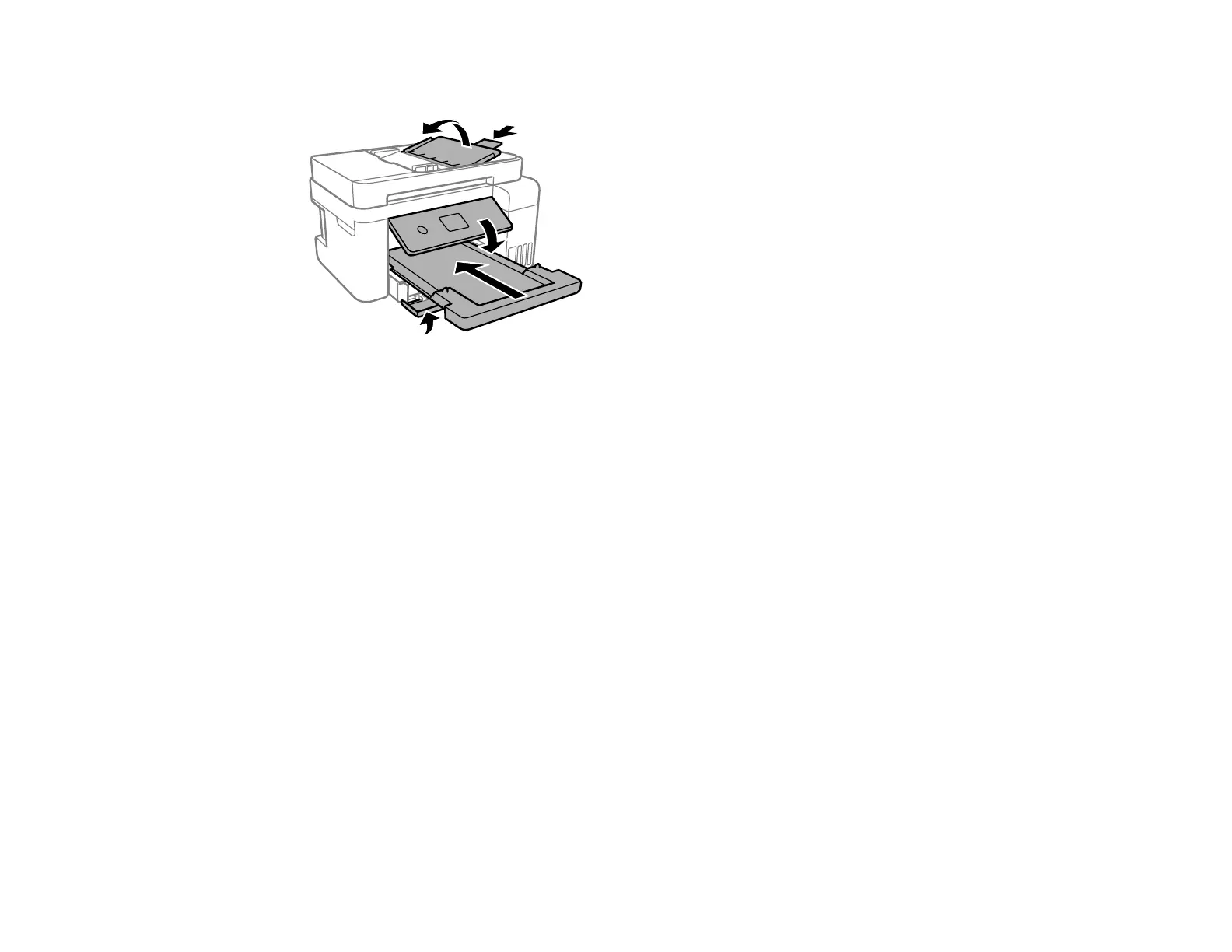
10. Slide in the output tray and close the front cover, then lower the control panel.
11. Place the product in its original packaging materials, if possible, or use equivalent cushioning around
the product.
Be sure to remove the tape from the print head before turning on your product. If print quality has
declined when you print again, clean and align the print head.
Parent topic: Cleaning and Transporting Your Product




 To Next Page