172
9. Select Proceed.
You see your contacts list.
10. Select the number next to each contact you want to include in your group.
A check mark appears next to each selected contact.
11. Select Save.
Parent topic: Setting Up Contacts Using the Product Control Panel
Editing or Deleting a Group
You can edit an existing group to add or delete entries. You can also delete the entire group.
1. Press the home button, if necessary.
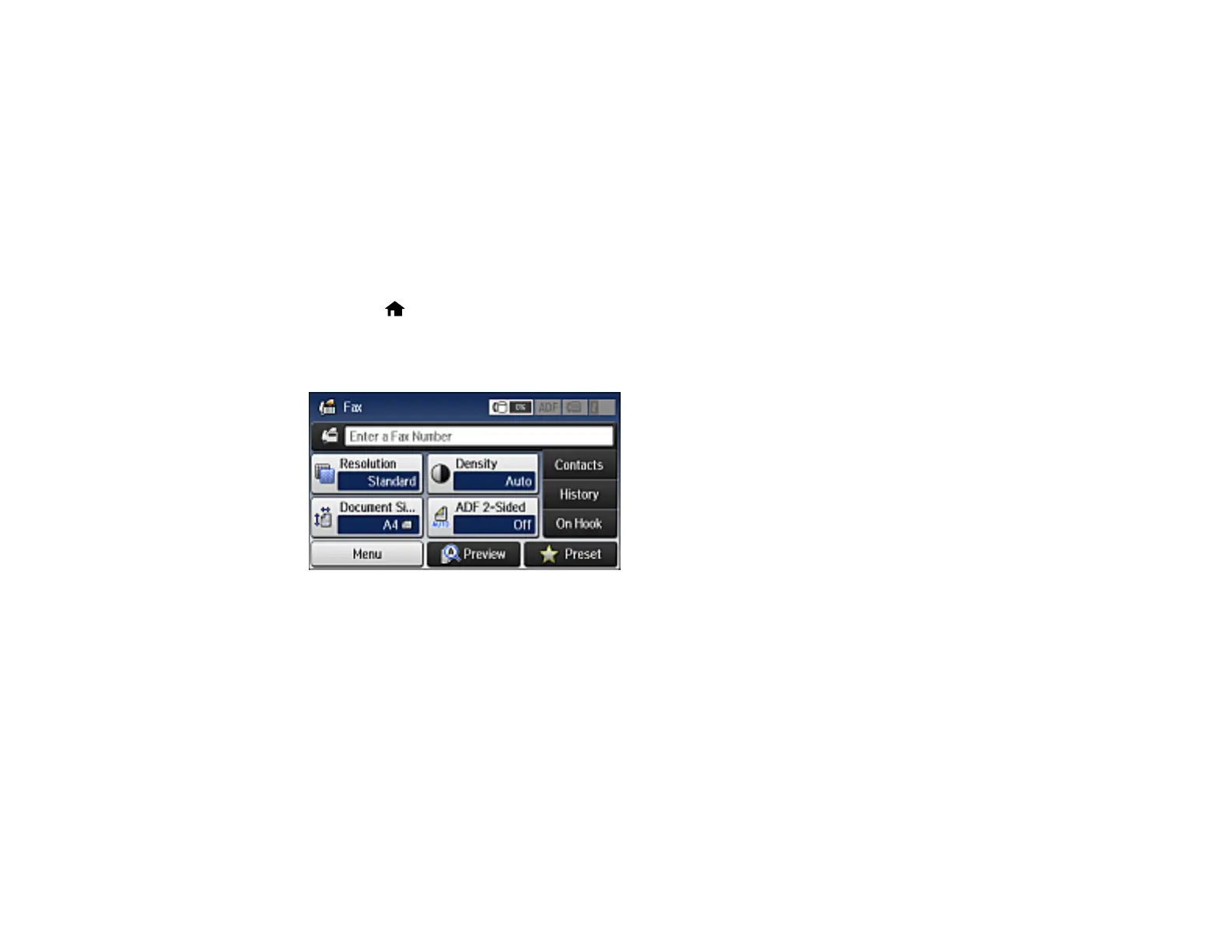
2. Select Fax.
You see a screen like this:
3. Select Contacts. Enter the administrator password, if necessary.



 To Next Page