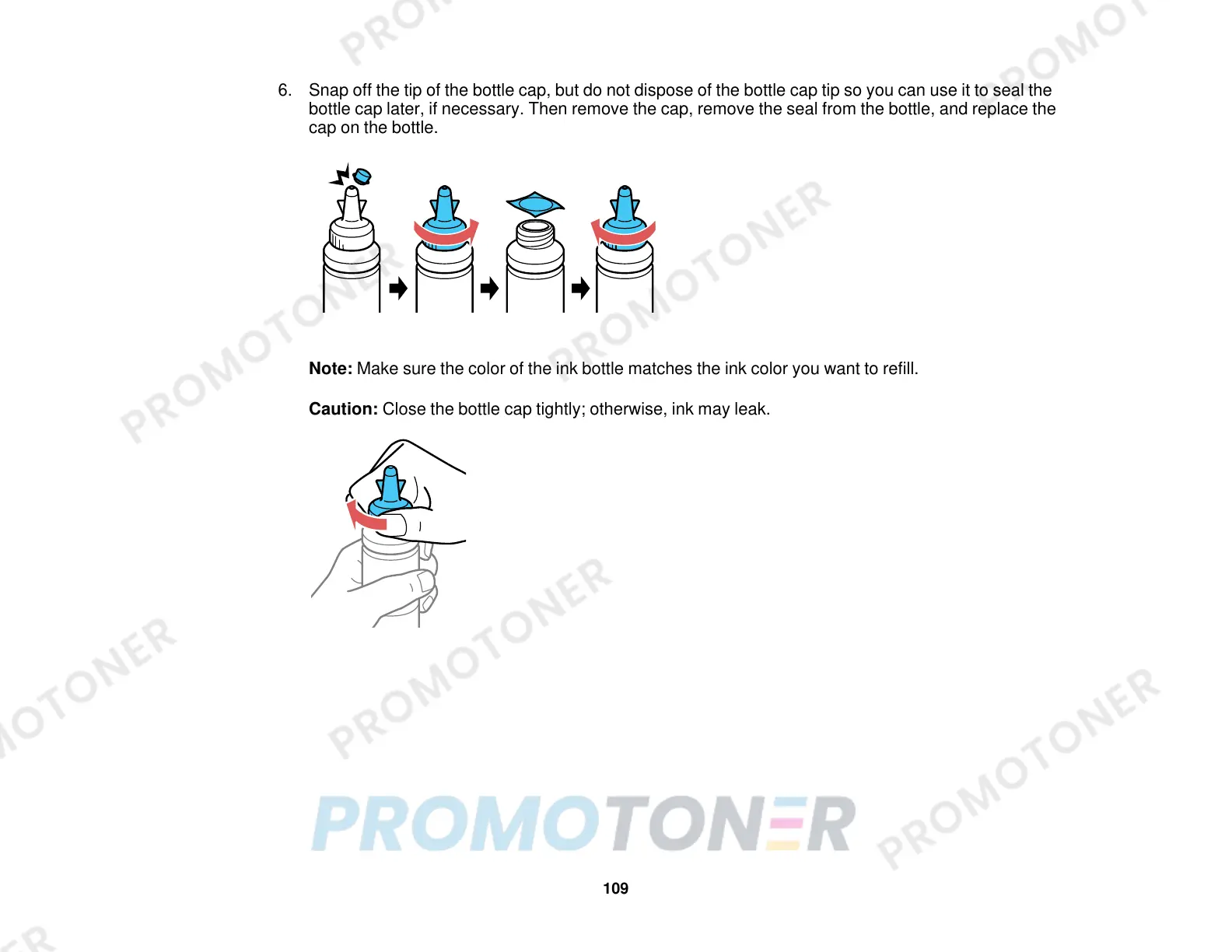
6. Snap off the tip of the bottle cap, but do not dispose of the bottle cap tip so you can use it to seal the
bottle cap later, if necessary. Then remove the cap, remove the seal from the bottle, and replace the
cap on the bottle.
Note: Make sure the color of the ink bottle matches the ink color you want to refill.
Caution: Close the bottle cap tightly; otherwise, ink may leak.
109



 To Next Page