1. Burn your files, music, or video onto your disc before printing on it.
2. Make sure the product is turned on.
3. Open the front cover.
4. Remove any paper from the output tray and make sure the output tray is closed.
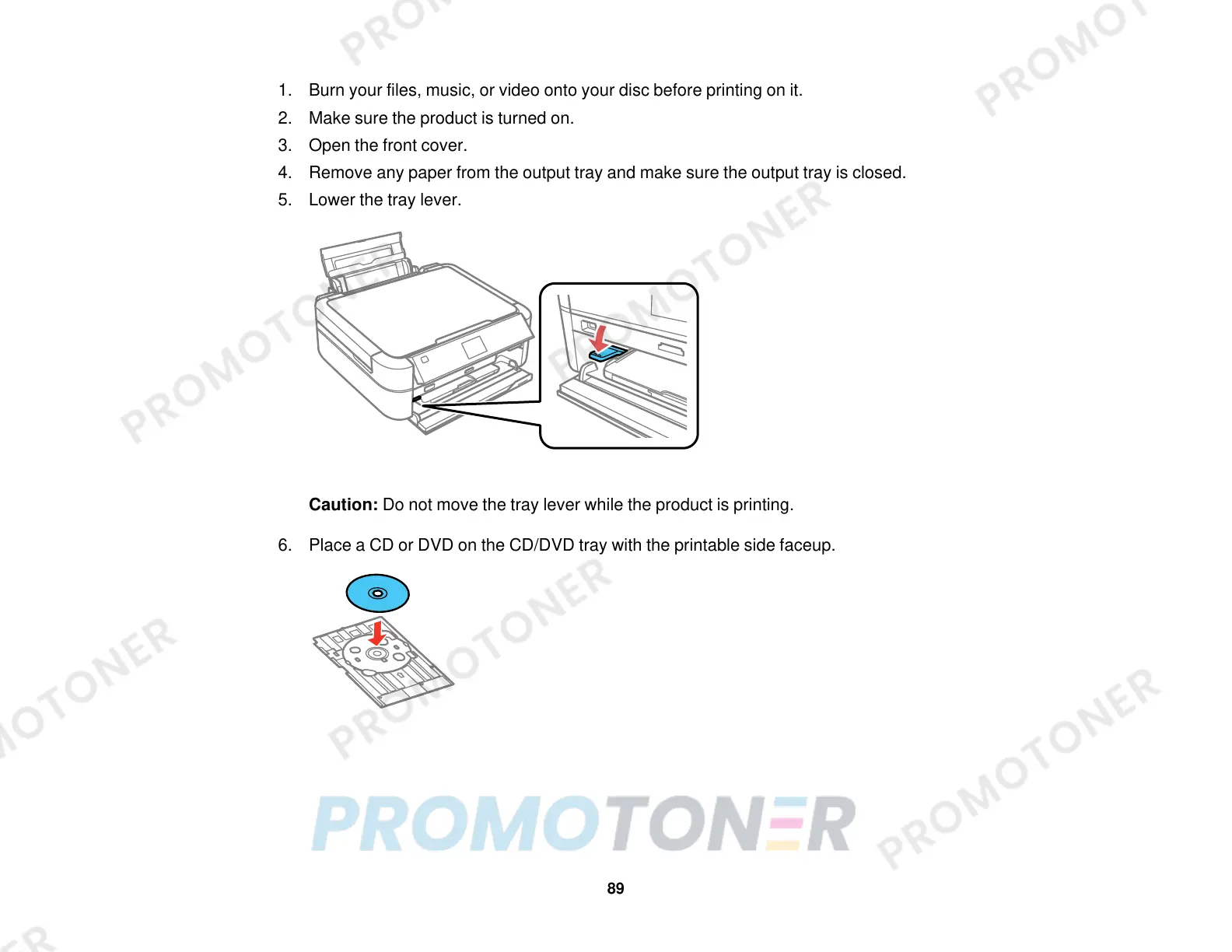
5. Lower the tray lever.
Caution: Do not move the tray lever while the product is printing.
6. Place a CD or DVD on the CD/DVD tray with the printable side faceup.
89



 To Next Page