EPSON Product Support Bulletin
Date: 12/8/2008 Originator: esc
PSB #: PSB.2009.01.001 Authorization:
Reference: TE08-0448 Rev. A Total Pages: 3
Product(s): Epson P-6000 and P-7000 Multimedia Photo Viewers
Subject:
New Firmware Release version 01.30.7099-0108-0107-112
This bulletin was created to inform you of a firmware update for the P-6000/P-7000 multimedia
photo viewers. The updated firmware provides certain improvements as outlined below.
Description of Change:
The firmware has been updated to version 01.30.7099-0108-0107-112.
Reason:
To provide the following fixes and/or improvements:
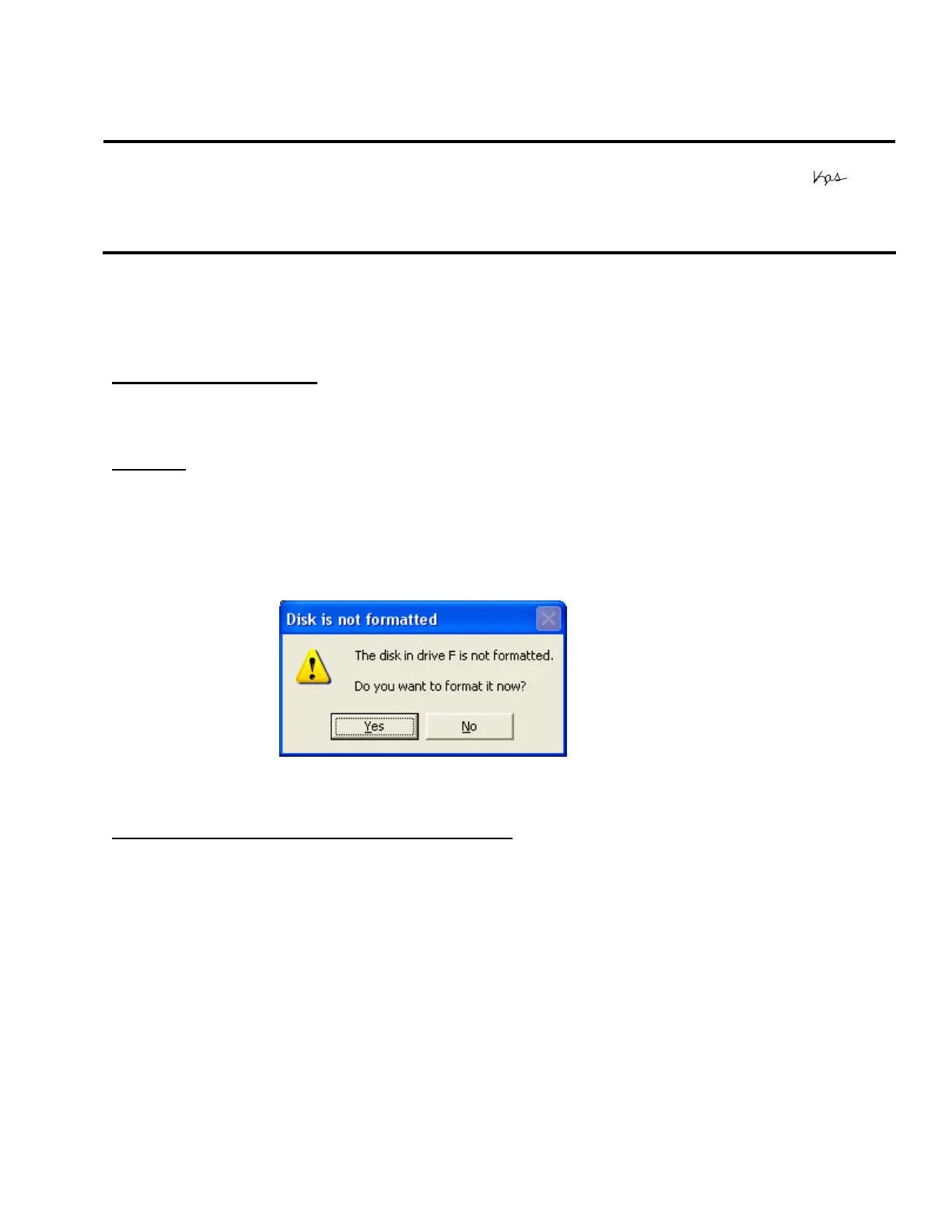
• Corrects error message “Cannot use this memory card because it is damaged
or not formatted”
P-6000/P-7000 Firmware Update Instructions:
Note: Before starting the firmware update process, confirm that there are no files on the
memory card.
To download and install the new firmware file, you will need the following:
• Windows-based PC or Macintosh computer with Internet access
• Operating Systems: Windows 2000/XP Home/Pro/XP/XP Pro x64 Edition/Vista
• Operating Systems: Macintosh OS 10.2.8 to 10.5.x
• Memory card reader/writer
• 128MB or higher formatted Compact Flash or SD memory card (there must be no data
on the card)
• P-6000/P-7000 battery installed (fully-charged battery recommended)
Page 1 of 3
PSB.2009.01.001



 To Next Page
 Loading...