16 | Attaching the paper basket (SC-P8000/SC-P9000)
Attaching the paper basket (SC-P8000/SC-P9000)
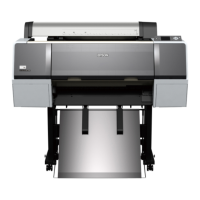
The paper basket is a cloth sheet that attaches to the printer stand and catches your prints without
damaging them. If you have the SC-P6000/SC-P7000, see page 9 for instructions on attaching the paper
basket.
Note: The paper basket should not be attached if you are using the optional Auto Take-up Reel.
1.
Make sure you have all the included paper basket parts.
2. Attach two of the posts to the front of the stand, one on each side.
5 paper guides
3 square
poles
4 pins
Cloth basket
4 posts
2 black plastic connectors
Rod
2 round
poles
2 Plastic
end pieces








 To Next Page
