8
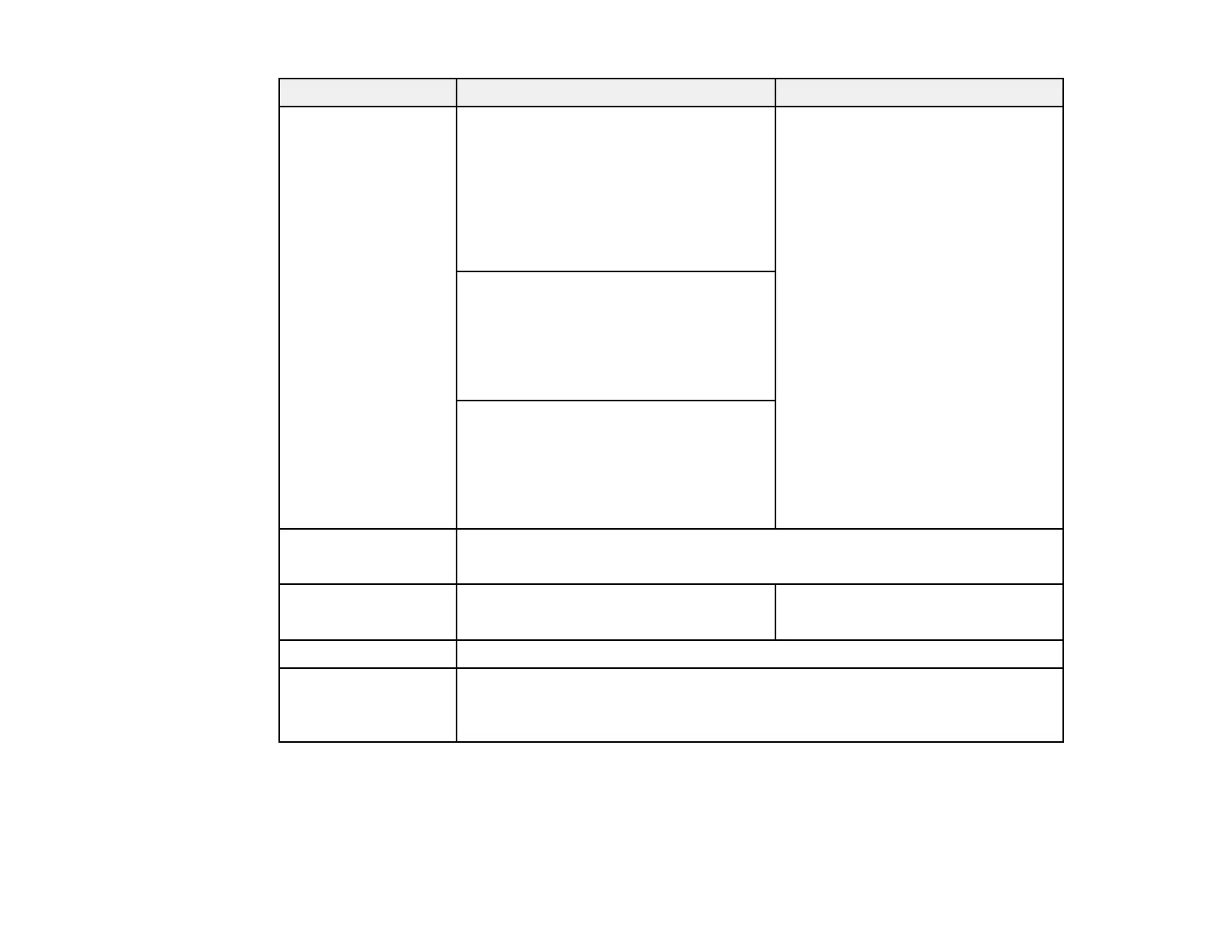
Requirement Windows Mac
Operating system Windows 7
• Ultimate (32- and 64-bit)
• Enterprise (32- and 64-bit)
• Professional (32- and 64-bit)
• Home Premium (32- and 64-bit)
• Home Basic (32-bit)
macOS
• 10.12.x (64-bit)
• 10.13.x (64-bit)
• 10.14.x (64-bit)
• 10.15.x (64-bit)
Windows 8.1
• Windows 8.1 (32- and 64-bit)
• Windows 8.1 Pro (32- and 64-bit)
• Windows 8.1 Enterprise (32- and 64-
bit)
Windows 10
• Windows 10 Home (32- and 64-bit)
• Windows 10 Pro (32- and 64-bit)
• Windows 10 Enterprise (32- and 64-
bit)
CPU Intel Core i5 or faster
(Intel Core i7 or faster recommended)
Memory 2 GB or more
(16 GB or more recommended)
8 GB or more
(16 GB or more recommended)
Hard disk space 2 GB or more
Display Resolution between 1280 × 800 or 1366 × 768 (WXGA) and 1920 × 1200
(WUXGA)
32-bit color or greater
Parent topic: Installing the Software
Installing the Epson Projector Content Manager Software (Windows/Mac)
Download and install the Epson Projector Content Manager software on your computer.








 To Next Page